20:00

Free Test
/ 10

Quiz

1/10
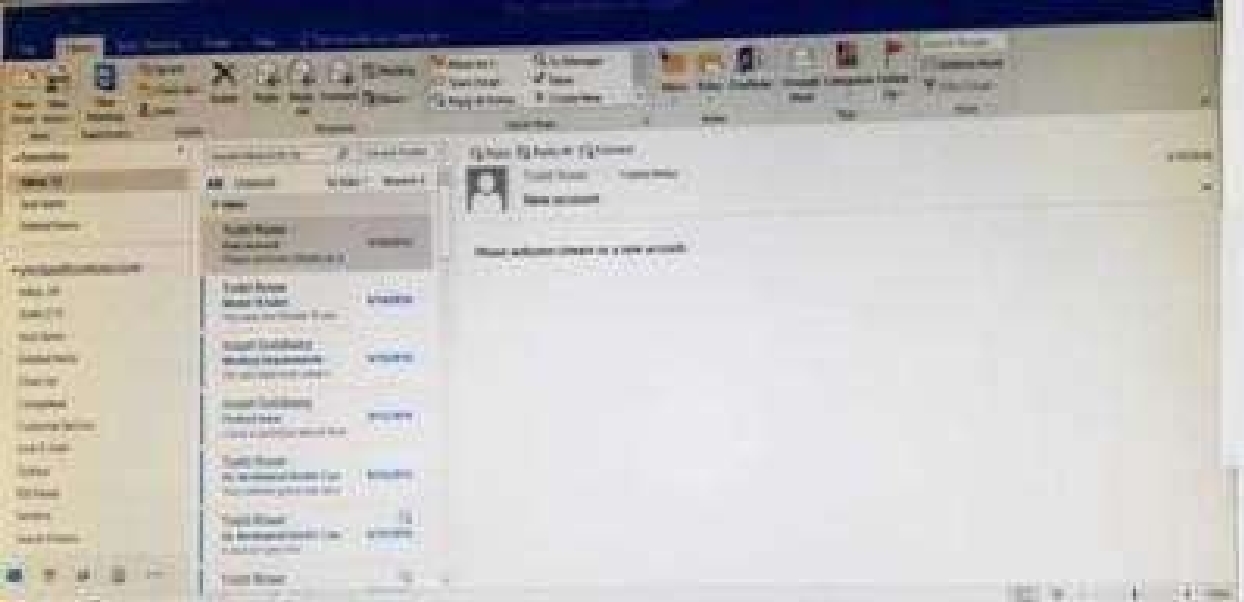
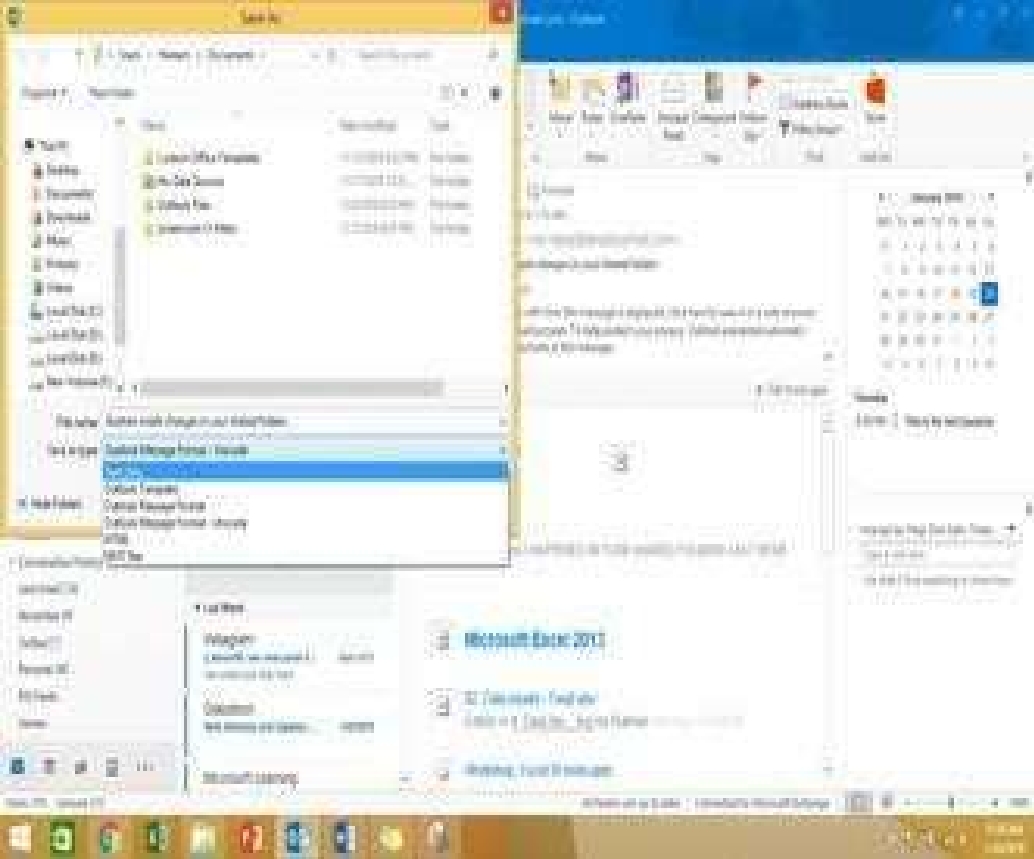
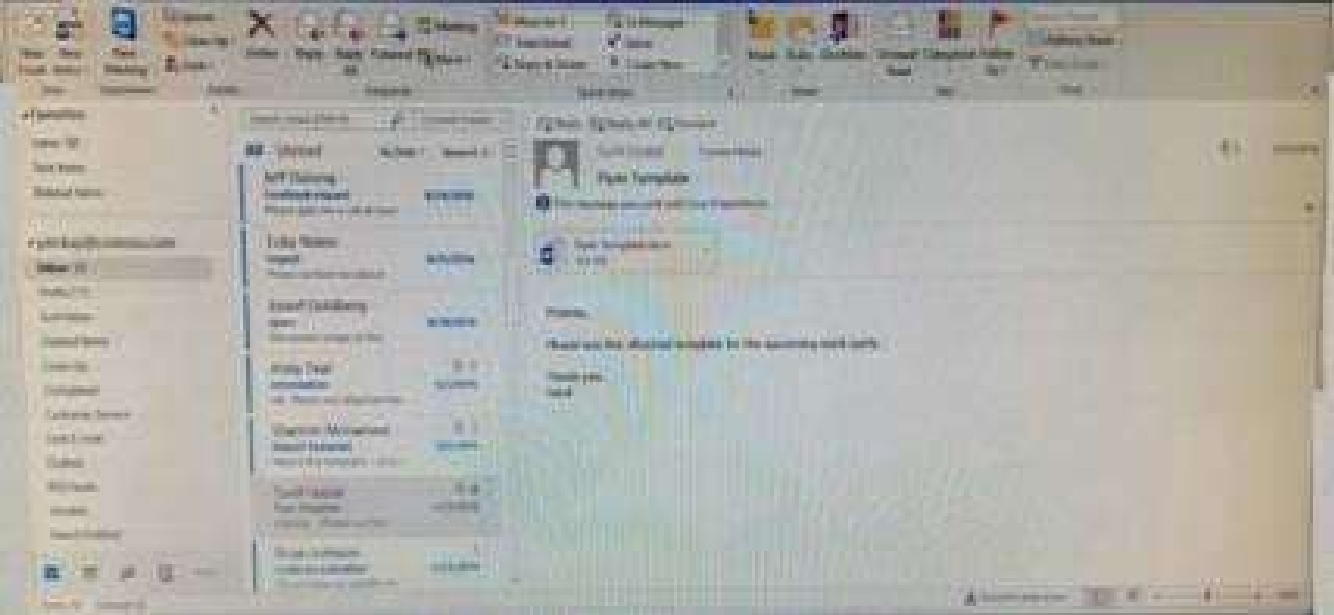
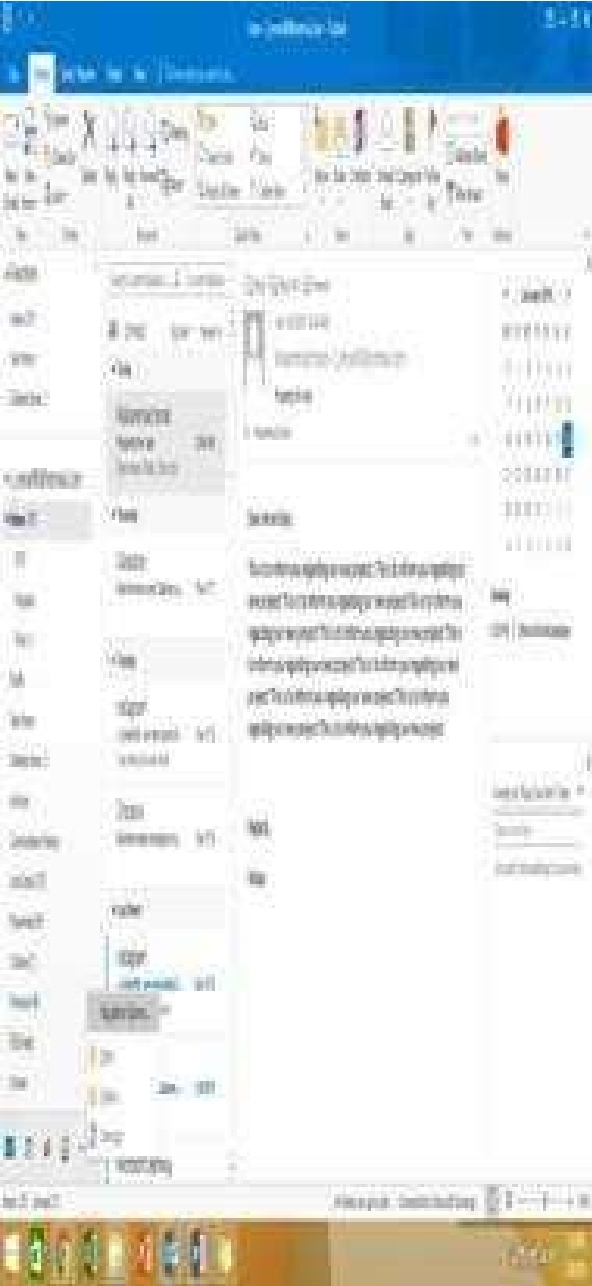
In the inbox locate the ''Flyer Template'' message. Save the message to the Documents folder as a


text file. Use default file name.

Certification Exam Outlook 2016: Core Communication, Collaboration and Email Skills Microsoft Microsoft-77-731 1-1619542477
Select the answer
1 correct answer
See below for solution.Tap to select the message, go to File – Save As and select “Text Only” in Save As type Certification Exam Outlook 2016: Core Communication, Collaboration and Email Skills Microsoft Microsoft-77-731 2-1654519457

Quiz

2/10
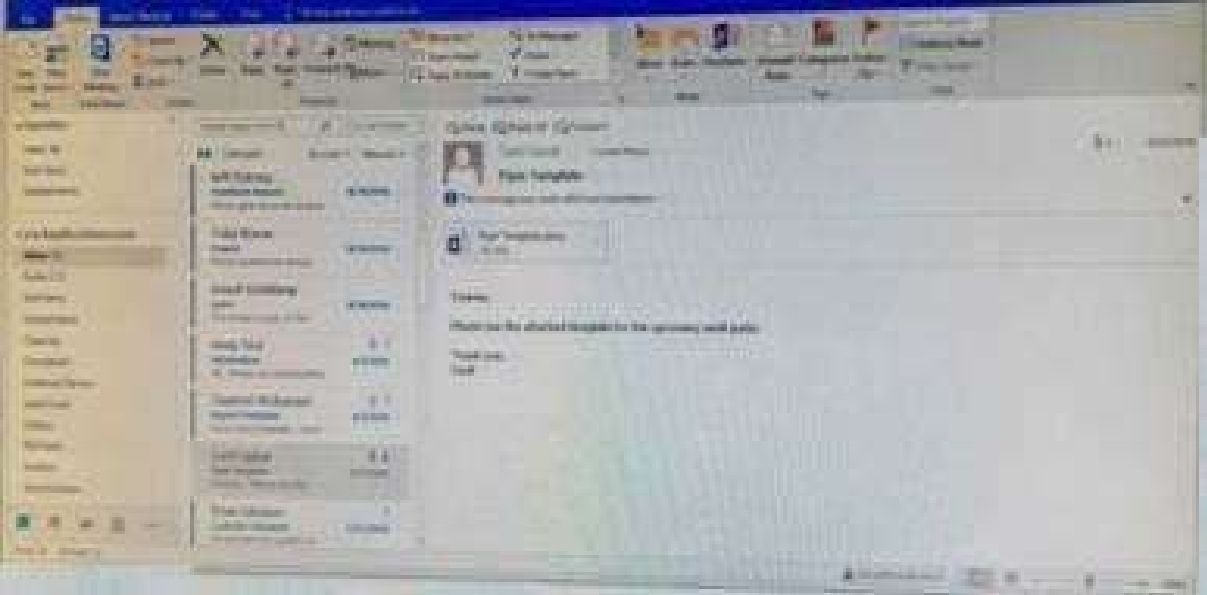
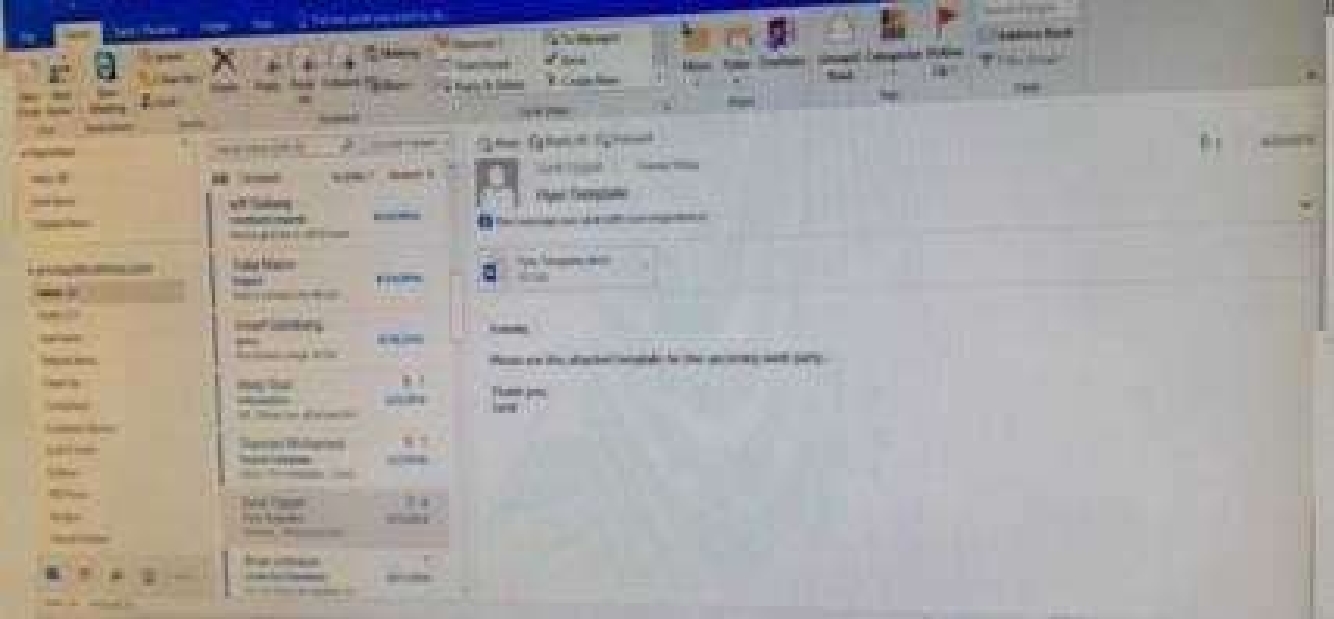
Mark the ''Flyer Template'' message as Do not forward between today and tomorrow. Do not set a
reminder.
Certification Exam Outlook 2016: Core Communication, Collaboration and Email Skills Microsoft Microsoft-77-731 3-1605327973
Select the answer
1 correct answer
See below for solution. Certification Exam Outlook 2016: Core Communication, Collaboration and Email Skills Microsoft Microsoft-77-731 4-1442902566

Quiz

3/10
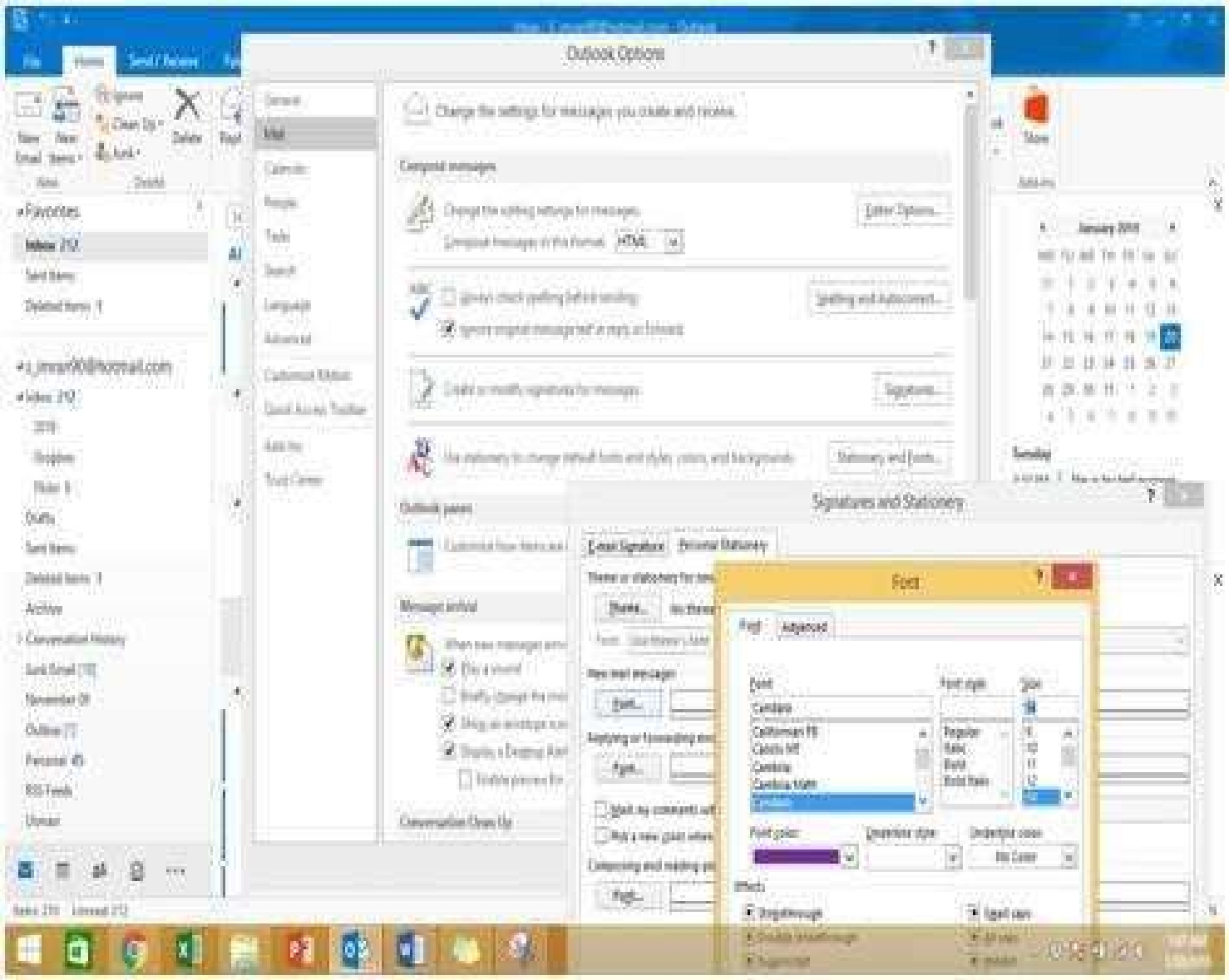
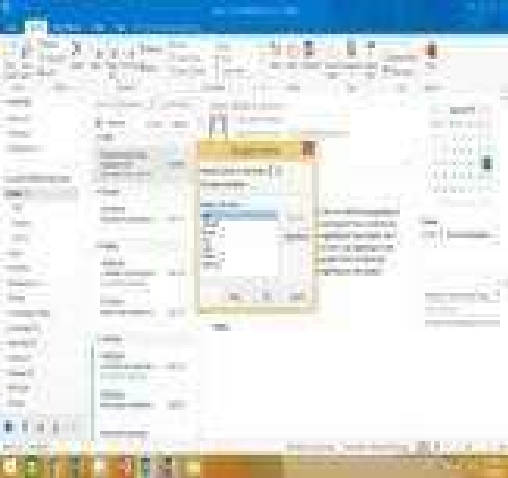
Configure Outlook to set the default font for new email messages to Purple 14-point Candara.

Certification Exam Outlook 2016: Core Communication, Collaboration and Email Skills Microsoft Microsoft-77-731 5-2931820788
Select the answer
1 correct answer
See below for solution.GO to File – Options – Mail – Stationary and fonts – personal stationary tab – New email messages Certification Exam Outlook 2016: Core Communication, Collaboration and Email Skills Microsoft Microsoft-77-731 6-3173085040

Quiz

4/10
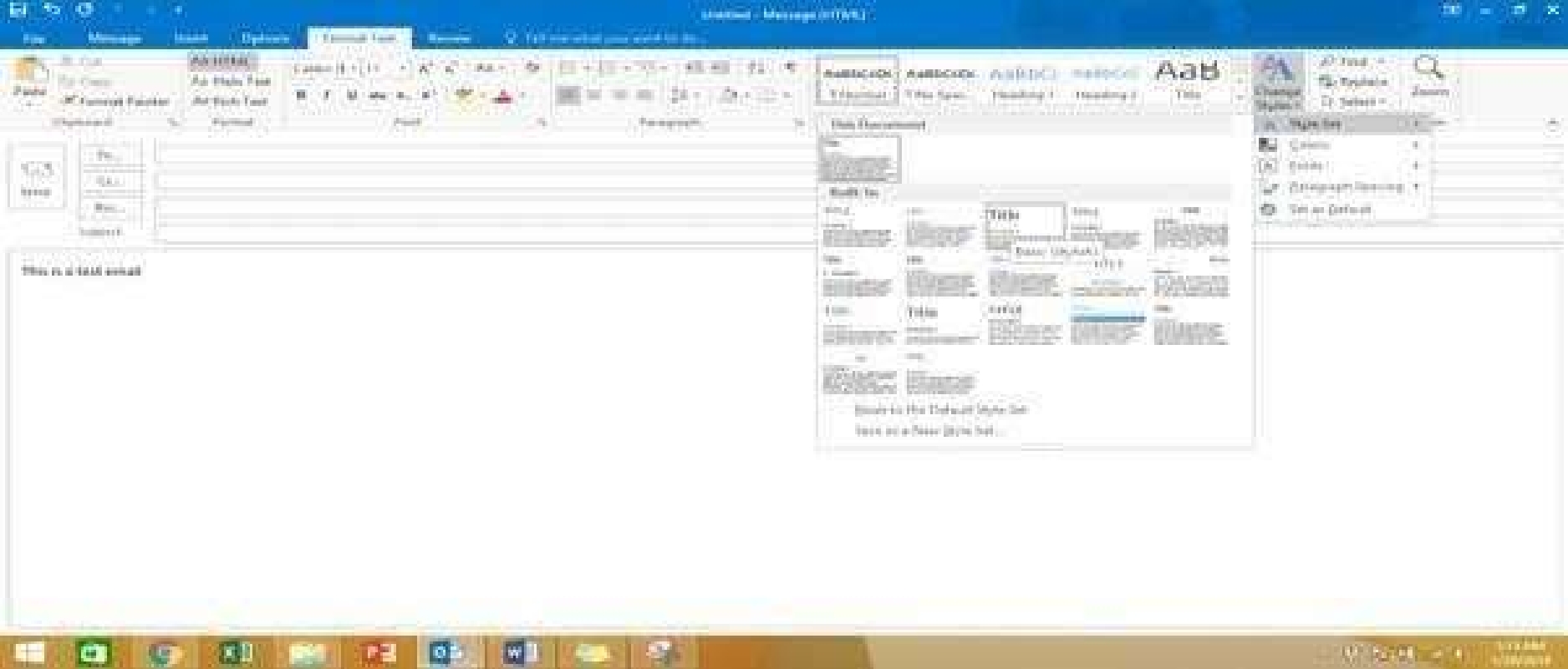
In the Drafts folder, open the ''Process Development'' message. Apply the Basic (Stylish) style set.


Send the message.

Certification Exam Outlook 2016: Core Communication, Collaboration and Email Skills Microsoft Microsoft-77-731 7-3499442325
Select the answer
1 correct answer
See below for solution.In message body click on Format Text tab – Change styles – Style set – select Basic (Stylish) Certification Exam Outlook 2016: Core Communication, Collaboration and Email Skills Microsoft Microsoft-77-731 8-148070366

Quiz

5/10
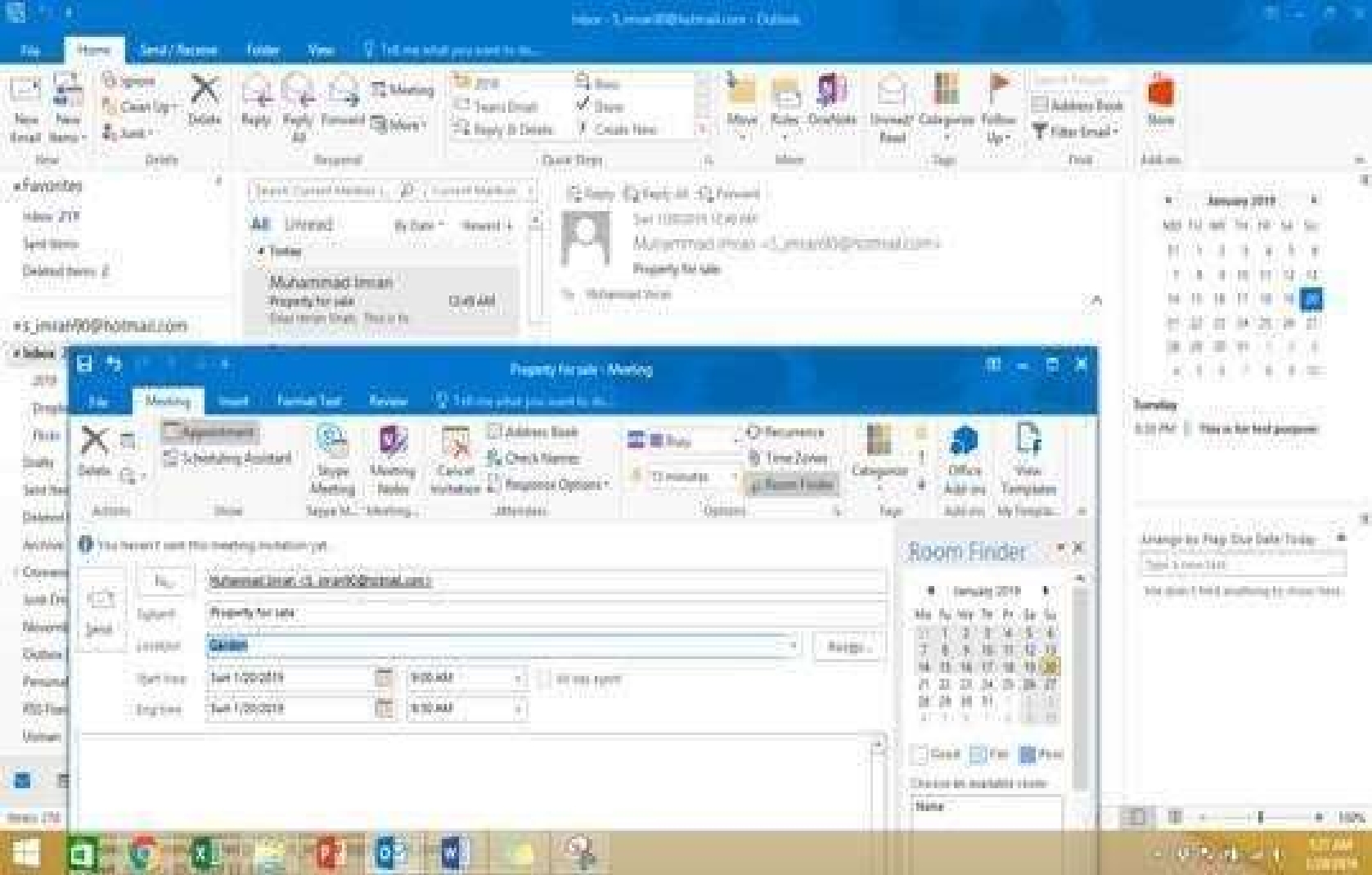
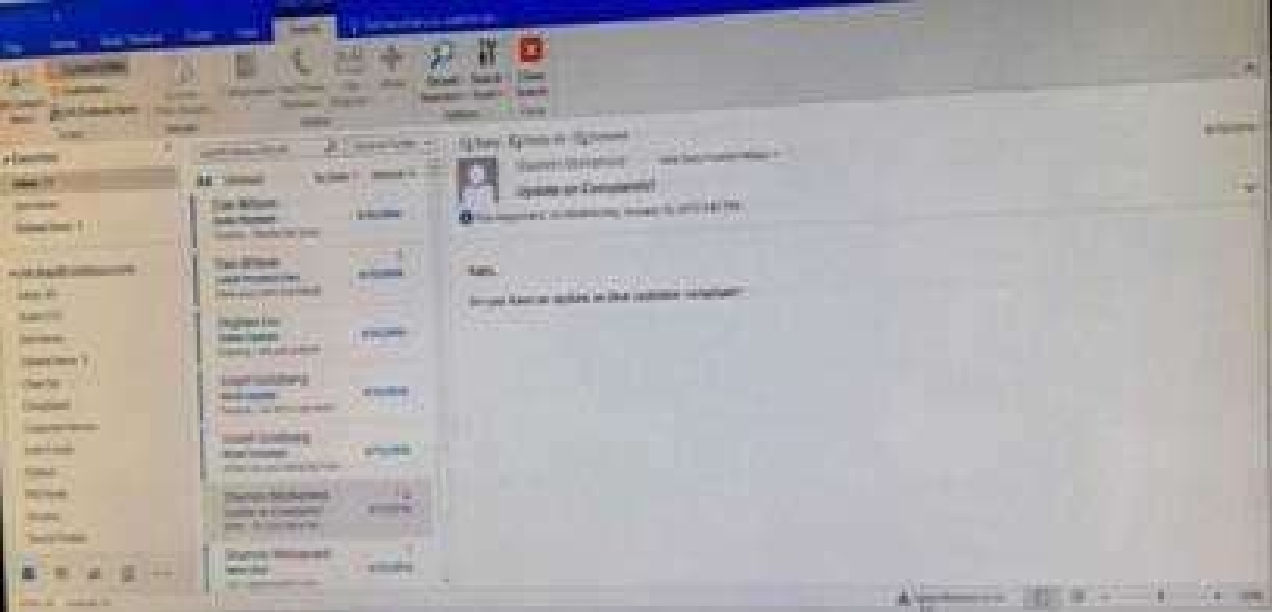
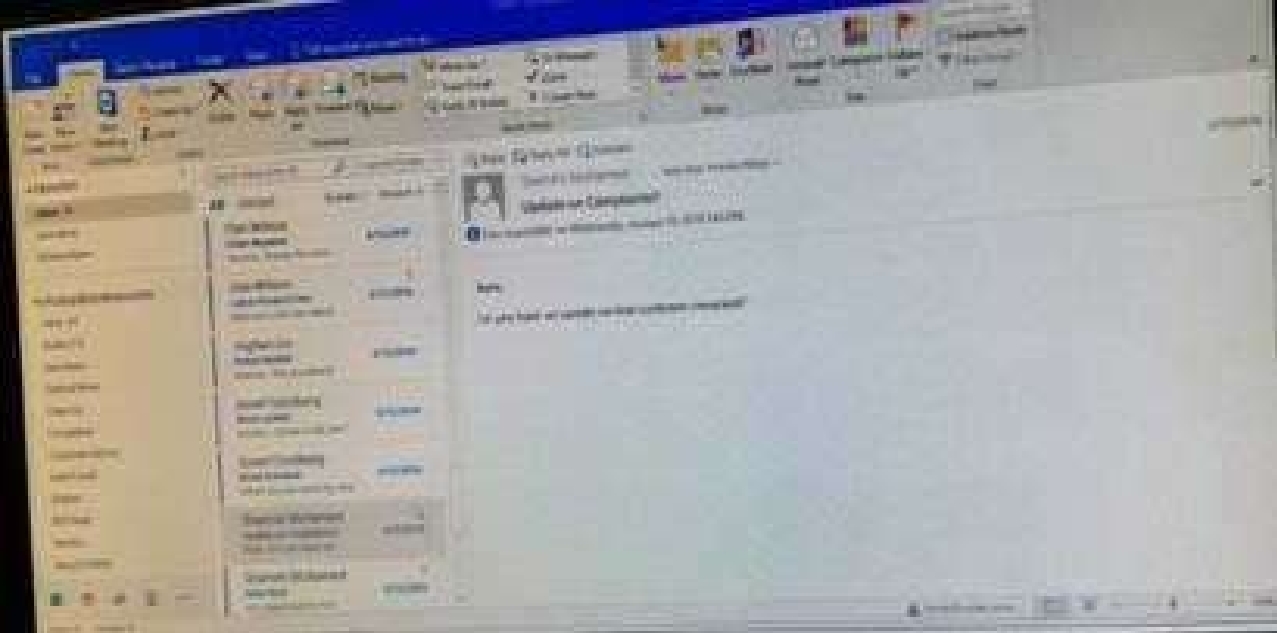
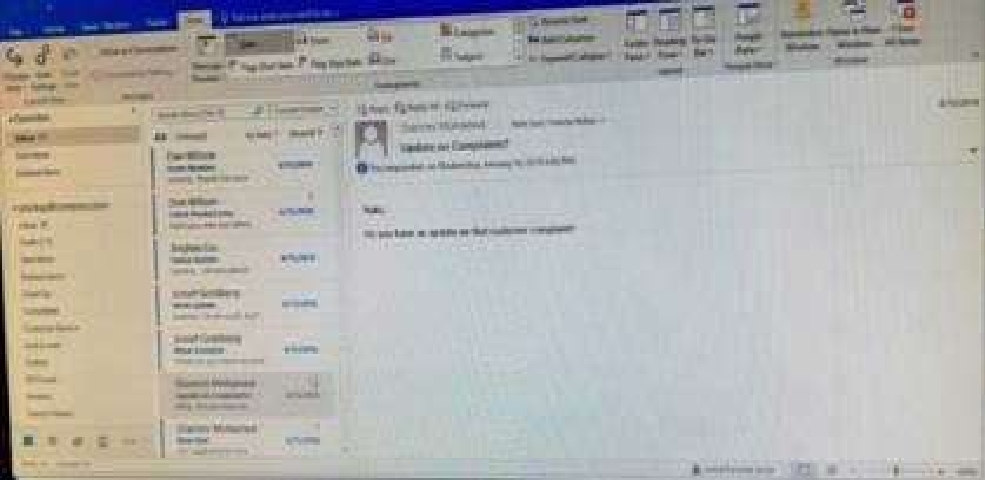
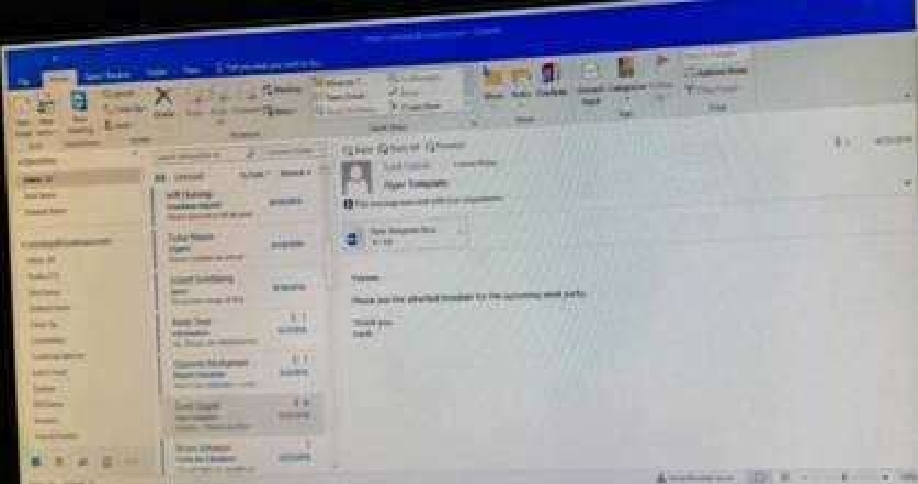
In the inbox, Locate the ''Update on Complaints?' message. From the message, create a meeting
request that automatically includes the message content and invite all of the message recipients as
attendees. Schedule the meeting to take place tomorrow, from 9:00 AM to 9:30 AM, in ''Garden;


Send the meeting request.
Certification Exam Outlook 2016: Core Communication, Collaboration and Email Skills Microsoft Microsoft-77-731 9-2453872493
Select the answer
1 correct answer
See below for solution.Locate the message – Click on “Meeting” in Home Tab – Change meeting time and include “Garden” in location Certification Exam Outlook 2016: Core Communication, Collaboration and Email Skills Microsoft Microsoft-77-731 10-2224608315

Quiz

6/10
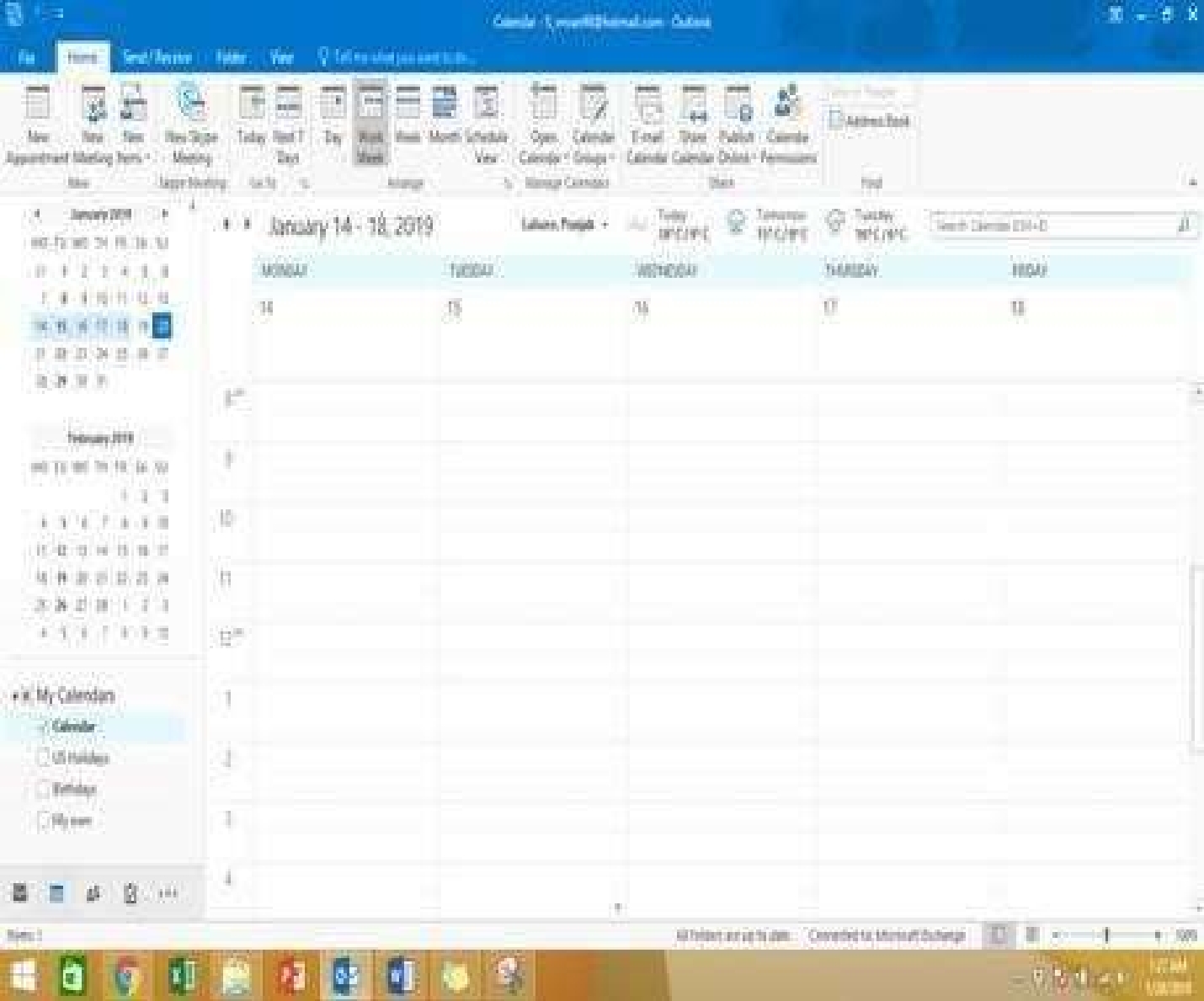
Display the Calendar, Configure the view to display the schedule for the current work week.

Certification Exam Outlook 2016: Core Communication, Collaboration and Email Skills Microsoft Microsoft-77-731 11-372365344
Select the answer
1 correct answer
See below for solution.Click on colander and select “Work Week” in Arrange group Certification Exam Outlook 2016: Core Communication, Collaboration and Email Skills Microsoft Microsoft-77-731 12-1312122277

Quiz

7/10
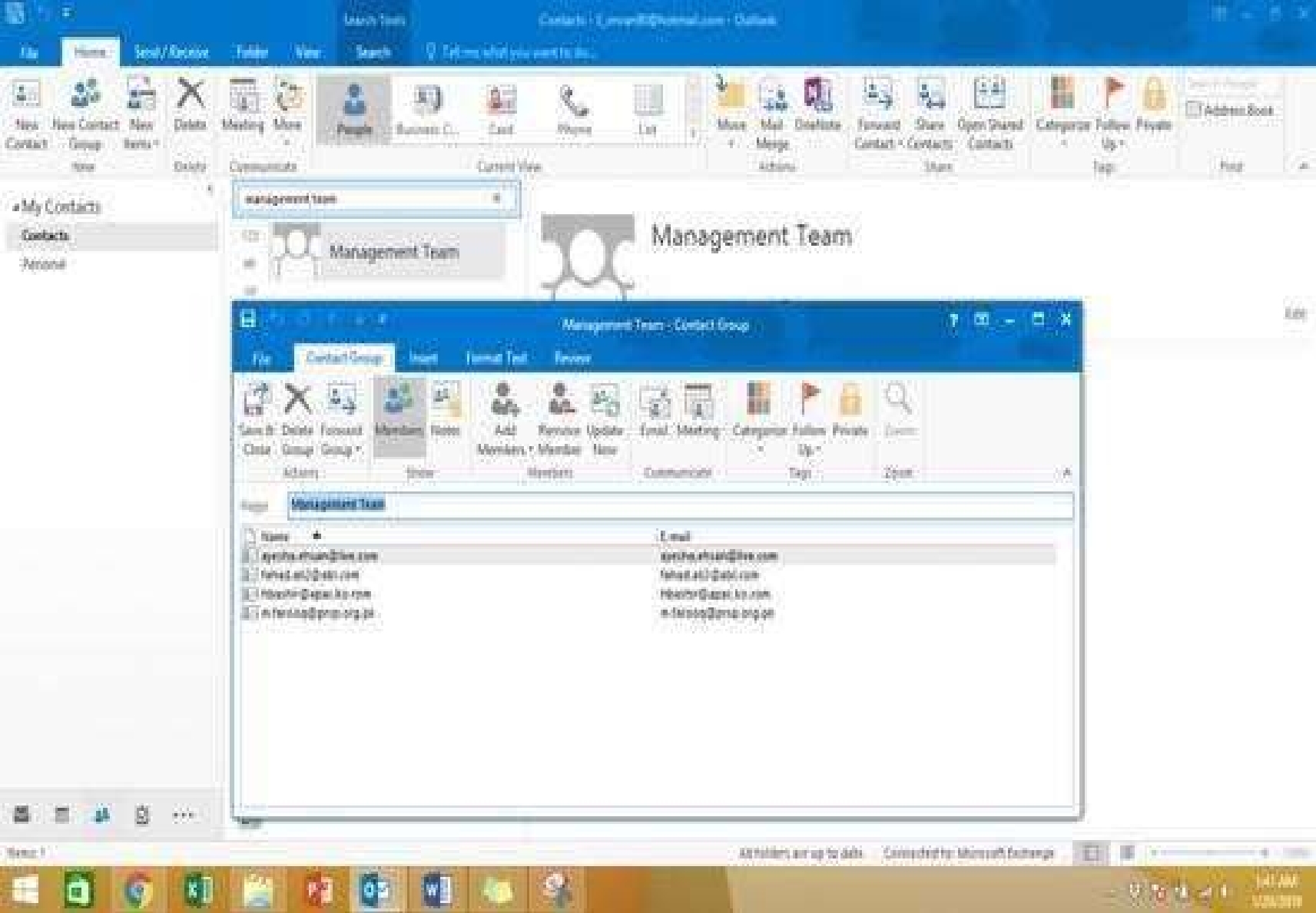
Add the contact ''Dan Wilson” to the ''Management Team'' contact group. Save and close the contact


group.

Certification Exam Outlook 2016: Core Communication, Collaboration and Email Skills Microsoft Microsoft-77-731 13-165203863
Select the answer
1 correct answer
See below for solution.•On the Navigation bar, click People to view • Search the “management team” contact group • Double click the contact group • Click Add Members and then select the desired list and search and add members Certification Exam Outlook 2016: Core Communication, Collaboration and Email Skills Microsoft Microsoft-77-731 14-1148716719

Quiz

8/10
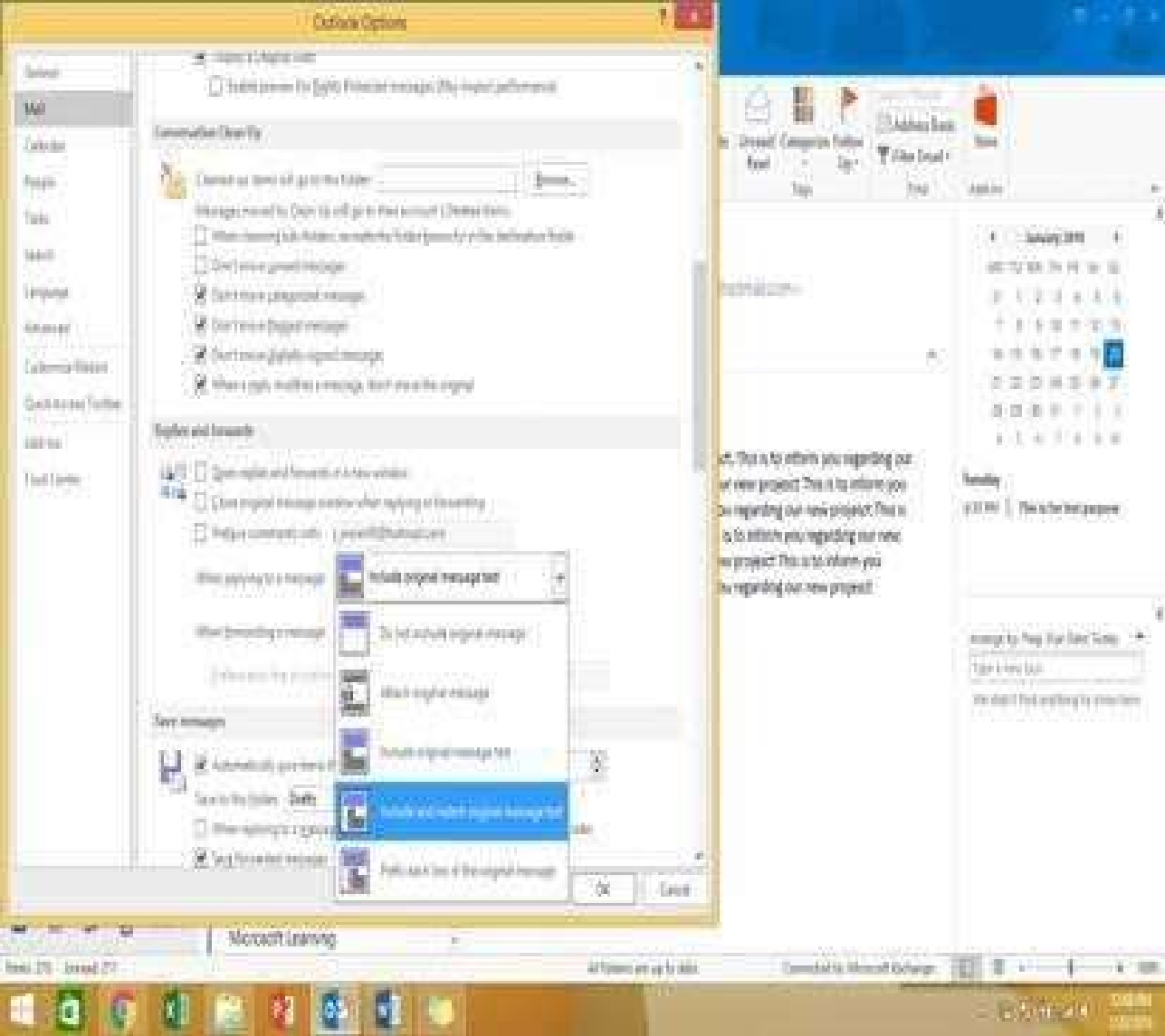
Configure Outlook to include and indent the original message text when you reply to a message.

Certification Exam Outlook 2016: Core Communication, Collaboration and Email Skills Microsoft Microsoft-77-731 15-1027146566
Select the answer
1 correct answer
See below for solution.File – options – Mail – Replies and forwards – when replying to a message Certification Exam Outlook 2016: Core Communication, Collaboration and Email Skills Microsoft Microsoft-77-731 16-3415981264

Quiz

9/10
Reset the navigation pane buttons to the default settings.

Certification Exam Outlook 2016: Core Communication, Collaboration and Email Skills Microsoft Microsoft-77-731 21-102043479
Select the answer
1 correct answer
See below for solution.•On the Navigation Bar, click … • Click navigation options then click on Reset Certification Exam Outlook 2016: Core Communication, Collaboration and Email Skills Microsoft Microsoft-77-731 22-1922911557
Certification Exam Outlook 2016: Core Communication, Collaboration and Email Skills Microsoft Microsoft-77-731 23-1966673895

Quiz

10/10
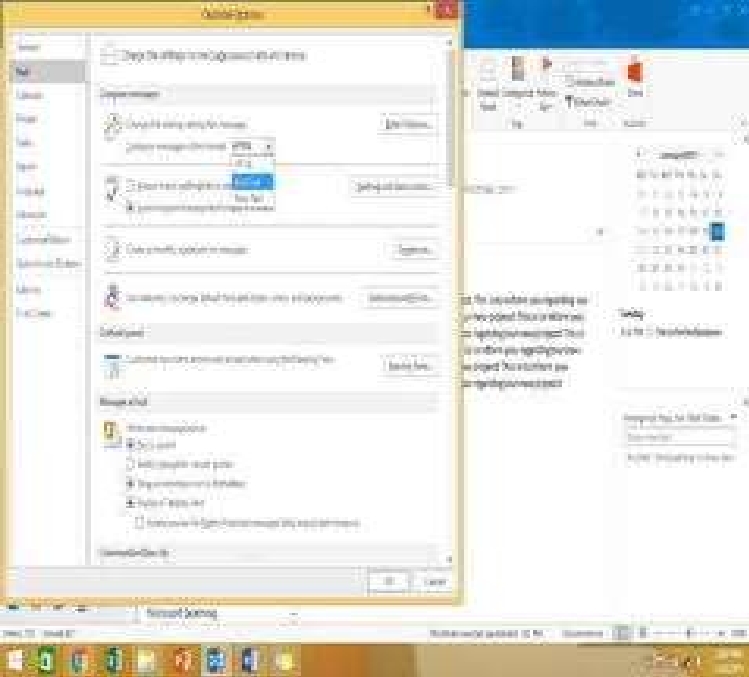
Configure Outlook to compose all outgoing messages in Rich Text format.

Certification Exam Outlook 2016: Core Communication, Collaboration and Email Skills Microsoft Microsoft-77-731 24-622466536
Select the answer
1 correct answer
See below for solution.File – options – mail – select Rich Text Certification Exam Outlook 2016: Core Communication, Collaboration and Email Skills Microsoft Microsoft-77-731 25-2049173751
Looking for more questions?Buy now

Outlook 2016: Core Communication, Collaboration and Email Skills Practice test unlocks all online simulator questions

Thank you for choosing the free version of the Outlook 2016: Core Communication, Collaboration and Email Skills practice test! Further deepen your knowledge on Microsoft Simulator; by unlocking the full version of our Outlook 2016: Core Communication, Collaboration and Email Skills Simulator you will be able to take tests with over 34 constantly updated questions and easily pass your exam. 98% of people pass the exam in the first attempt after preparing with our 34 questions.

BUY NOW

What to expect from our Outlook 2016: Core Communication, Collaboration and Email Skills practice tests and how to prepare for any exam?

The Outlook 2016: Core Communication, Collaboration and Email Skills Simulator Practice Tests are part of the Microsoft Database and are the best way to prepare for any Outlook 2016: Core Communication, Collaboration and Email Skills exam. The Outlook 2016: Core Communication, Collaboration and Email Skills practice tests consist of 34 questions and are written by experts to help you and prepare you to pass the exam on the first attempt. The Outlook 2016: Core Communication, Collaboration and Email Skills database includes questions from previous and other exams, which means you will be able to practice simulating past and future questions. Preparation with Outlook 2016: Core Communication, Collaboration and Email Skills Simulator will also give you an idea of the time it will take to complete each section of the Outlook 2016: Core Communication, Collaboration and Email Skills practice test . It is important to note that the Outlook 2016: Core Communication, Collaboration and Email Skills Simulator does not replace the classic Outlook 2016: Core Communication, Collaboration and Email Skills study guides; however, the Simulator provides valuable insights into what to expect and how much work needs to be done to prepare for the Outlook 2016: Core Communication, Collaboration and Email Skills exam.

BUY NOW

Outlook 2016: Core Communication, Collaboration and Email Skills Practice test therefore represents an excellent tool to prepare for the actual exam together with our Microsoft practice test . Our Outlook 2016: Core Communication, Collaboration and Email Skills Simulator will help you assess your level of preparation and understand your strengths and weaknesses. Below you can read all the quizzes you will find in our Outlook 2016: Core Communication, Collaboration and Email Skills Simulator and how our unique Outlook 2016: Core Communication, Collaboration and Email Skills Database made up of real questions:

Info quiz:

  • Quiz name:Outlook 2016: Core Communication, Collaboration and Email Skills
  • Total number of questions:34
  • Number of questions for the test:50
  • Pass score:80%

You can prepare for the Outlook 2016: Core Communication, Collaboration and Email Skills exams with our mobile app. It is very easy to use and even works offline in case of network failure, with all the functions you need to study and practice with our Outlook 2016: Core Communication, Collaboration and Email Skills Simulator.

Use our Mobile App, available for both Android and iOS devices, with our Outlook 2016: Core Communication, Collaboration and Email Skills Simulator . You can use it anywhere and always remember that our mobile app is free and available on all stores.

Our Mobile App contains all Outlook 2016: Core Communication, Collaboration and Email Skills practice tests which consist of 34 questions and also provide study material to pass the final Outlook 2016: Core Communication, Collaboration and Email Skills exam with guaranteed success. Our Outlook 2016: Core Communication, Collaboration and Email Skills database contain hundreds of questions and Microsoft Tests related to Outlook 2016: Core Communication, Collaboration and Email Skills Exam. This way you can practice anywhere you want, even offline without the internet.

BUY NOW