Quiz FCP_FAZ_AN-7.6: Fortinet NSE 5 - FortiAnalyzer 7.6 Analyst
Quiz
creates a new indicator to track the command-line process execution patterns associated with the suspicious
activity. After saving the indicator, she expects it to be automatically applied to existing logs to identify any
other occurrences of the pattern. However, the indicator search returns no results for historical logs, though
the indicator definition appears correct. What is the most likely reason for this behavior?

Indicators in FortiAnalyzer are prospective detection rules that apply to logs as they are received and ingested going forward. They do not perform retroactive matching against historical logs already stored in the system. This is by design—attempting to reprocess all historical logs with every new indicator would create excessive computational load. If an analyst needs to hunt for similar patterns in historical data, they should use the Search or Event Analysis features to construct a manual query based on the suspicious characteristics, rather than expecting an indicator to automatically match past events. The log parsing engine index is not the limiting factor; permissions are typically not the issue if the indicator definition is correct; indicators do not require playbook enablement to be defined; and historical logs are retained and searchable, not archived away.



The firewall devices have default log retention policies that do not forward data older than 24 hours

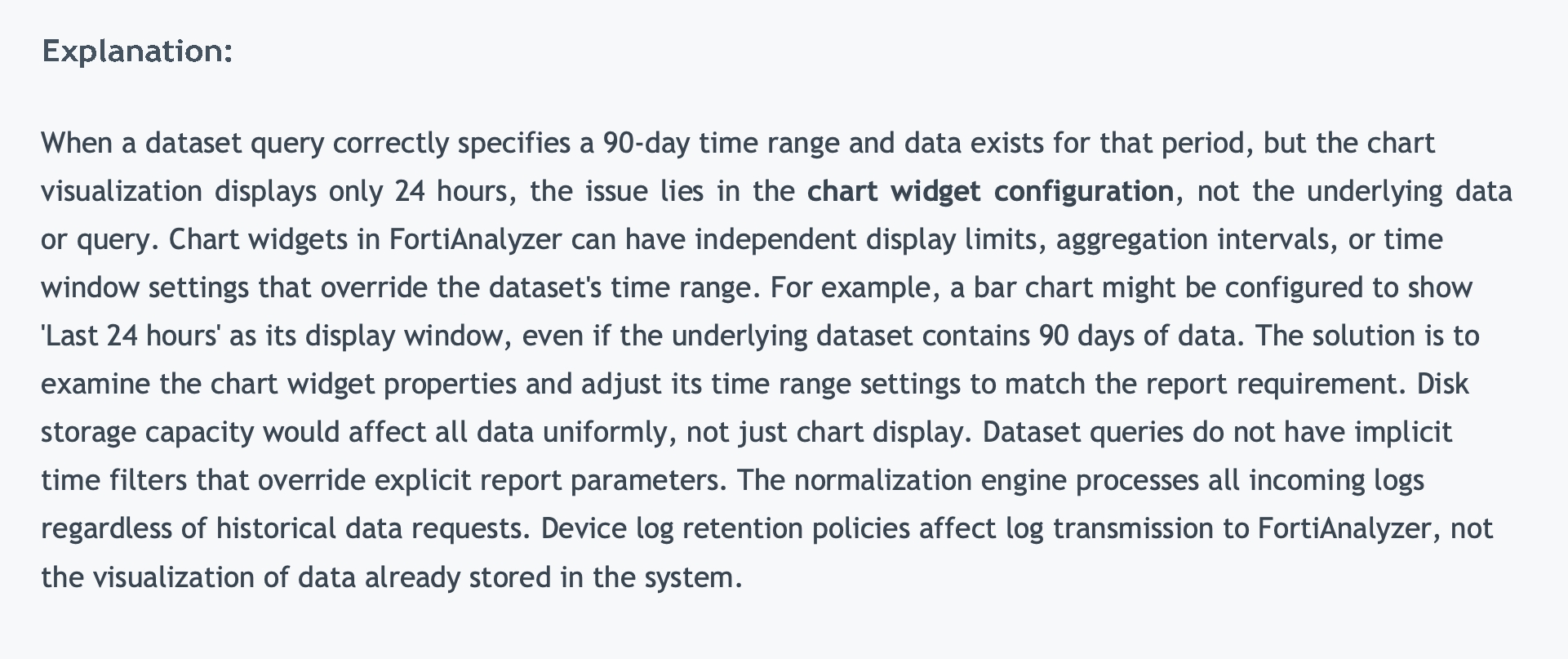
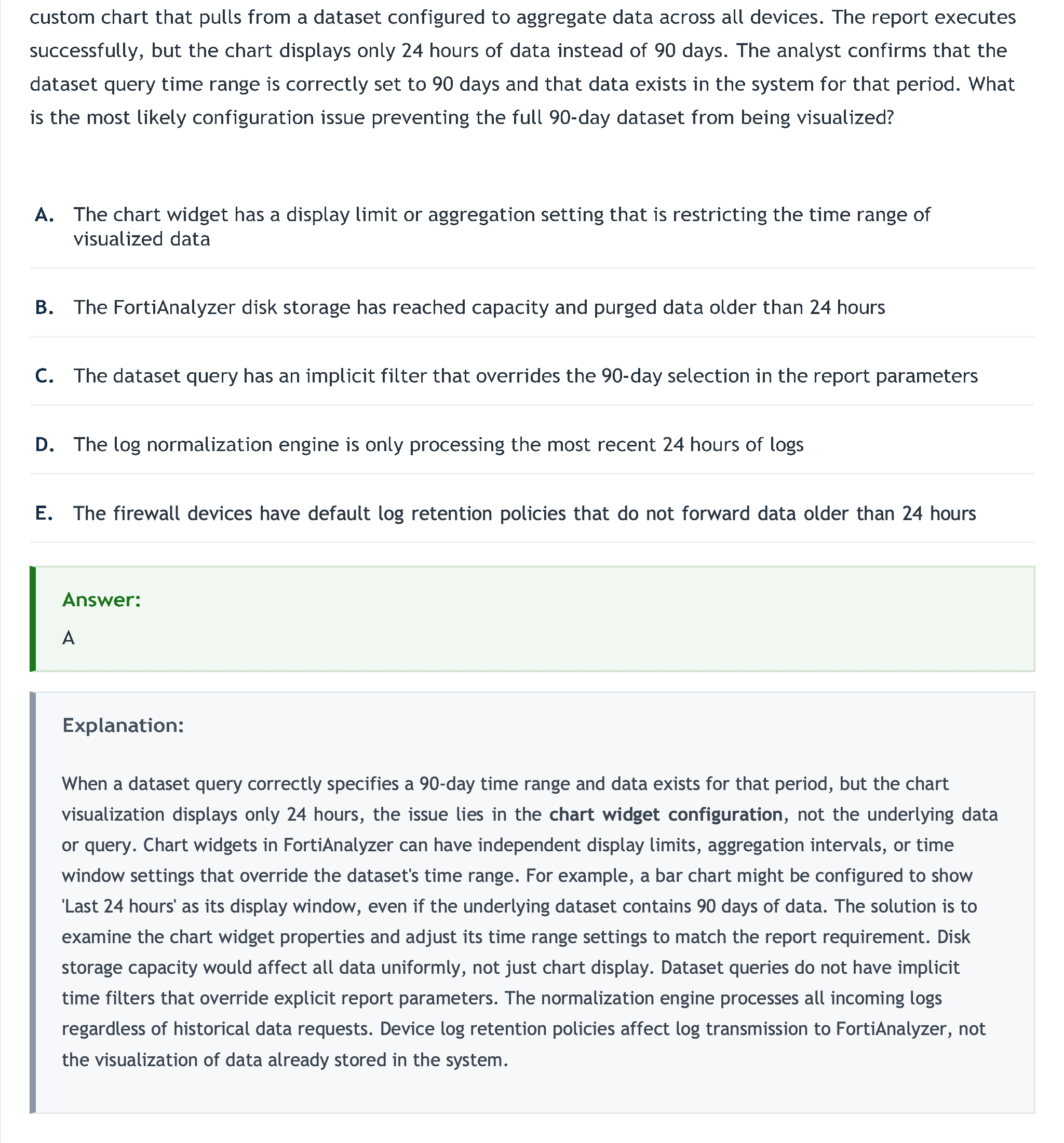
When a dataset query correctly specifies a 90-day time range and data exists for that period, but the chart visualization displays only 24 hours, the issue lies in the chart widget configuration, not the underlying data or query. Chart widgets in FortiAnalyzer can have independent display limits, aggregation intervals, or time window settings that override the dataset's time range. For example, a bar chart might be configured to show 'Last 24 hours' as its display window, even if the underlying dataset contains 90 days of data. The solution is to examine the chart widget properties and adjust its time range settings to match the report requirement. Disk storage capacity would affect all data uniformly, not just chart display. Dataset queries do not have implicit time filters that override explicit report parameters. The normalization engine processes all incoming logs regardless of historical data requests. Device log retention policies affect log transmission to FortiAnalyzer, not the visualization of data already stored in the system.






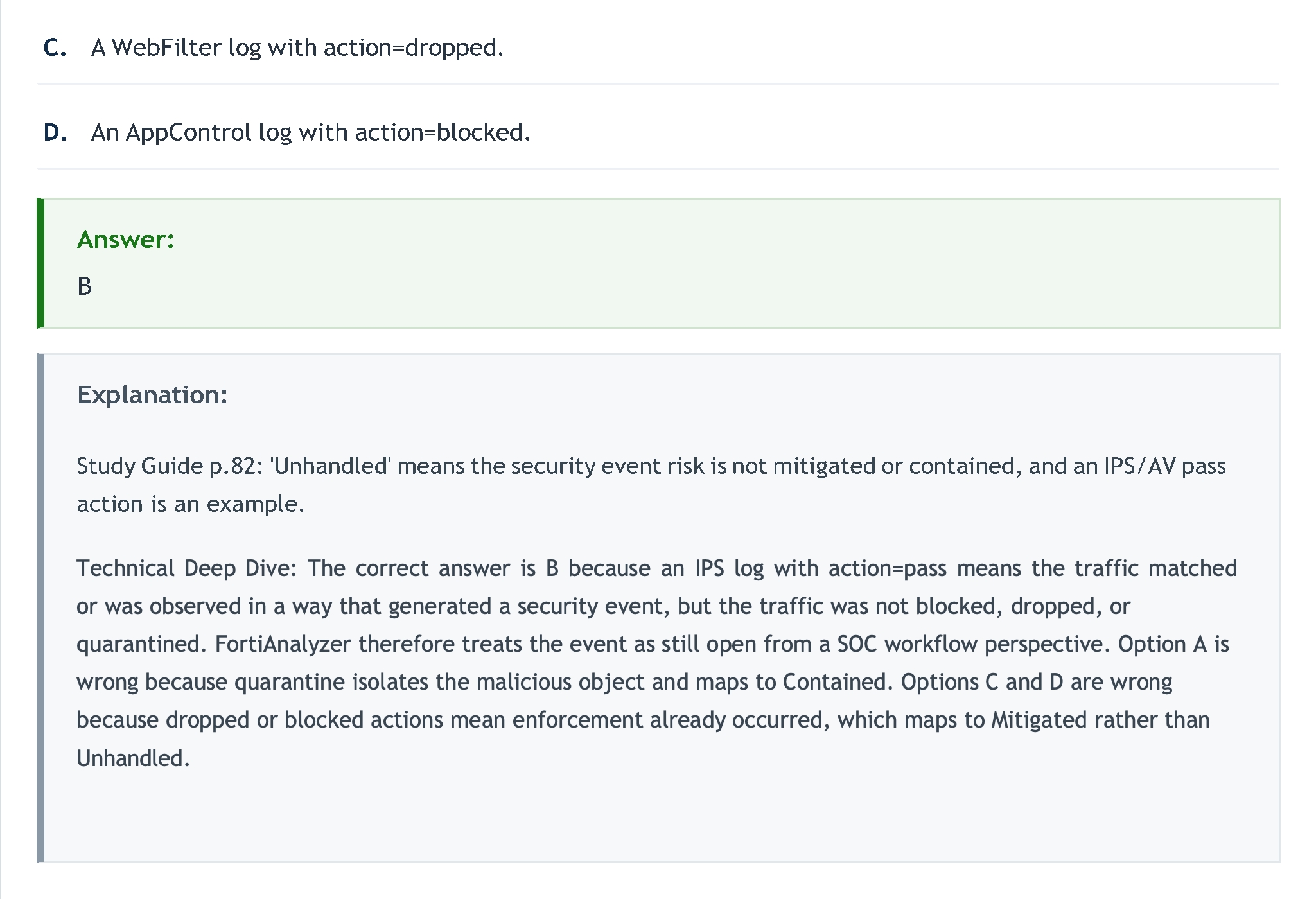
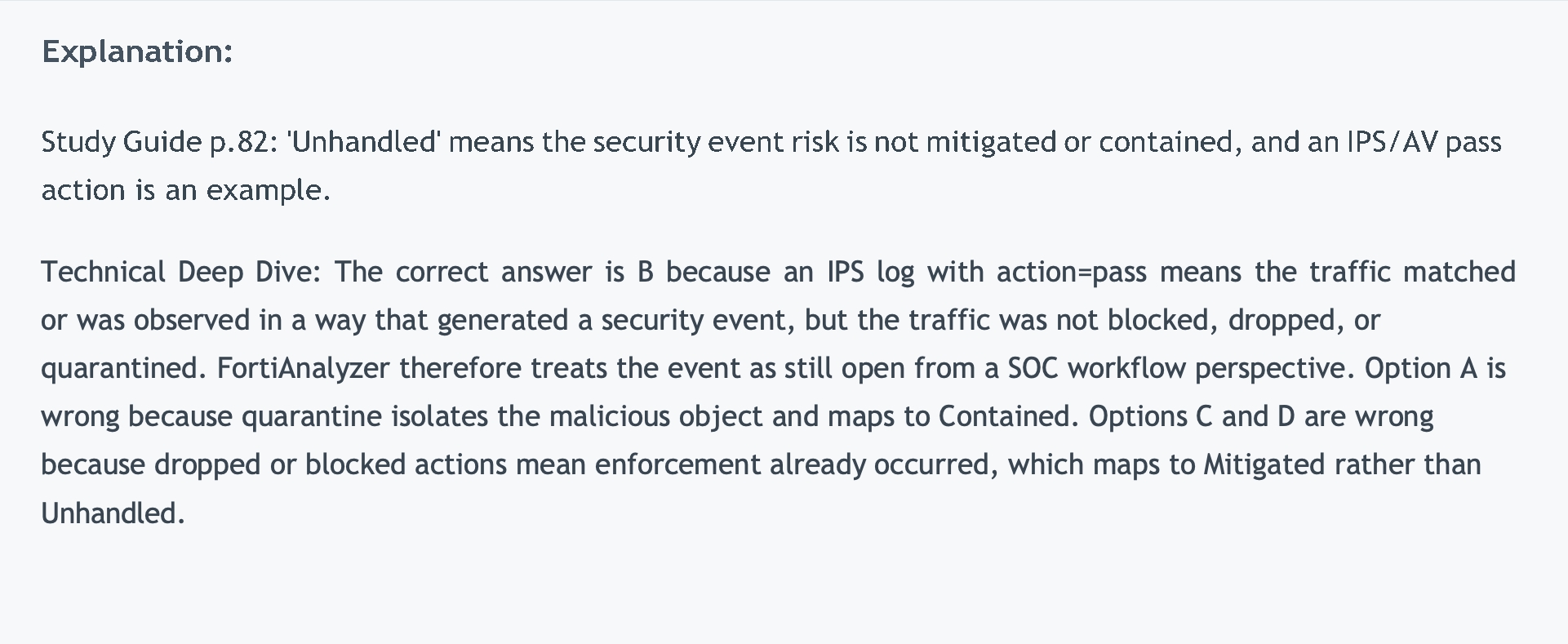
Technical Deep Dive: The correct answer is B because an IPS log with action=pass means the traffic matched or was observed in a way that generated a security event, but the traffic was not blocked, dropped, or quarantined. FortiAnalyzer therefore treats the event as still open from a SOC workflow perspective. Option A is wrong because quarantine isolates the malicious object and maps to Contained. Options C and D are wrong because dropped or blocked actions mean enforcement already occurred, which maps to Mitigated rather than Unhandled.
Quiz

Which statement about the event displayed is correct?

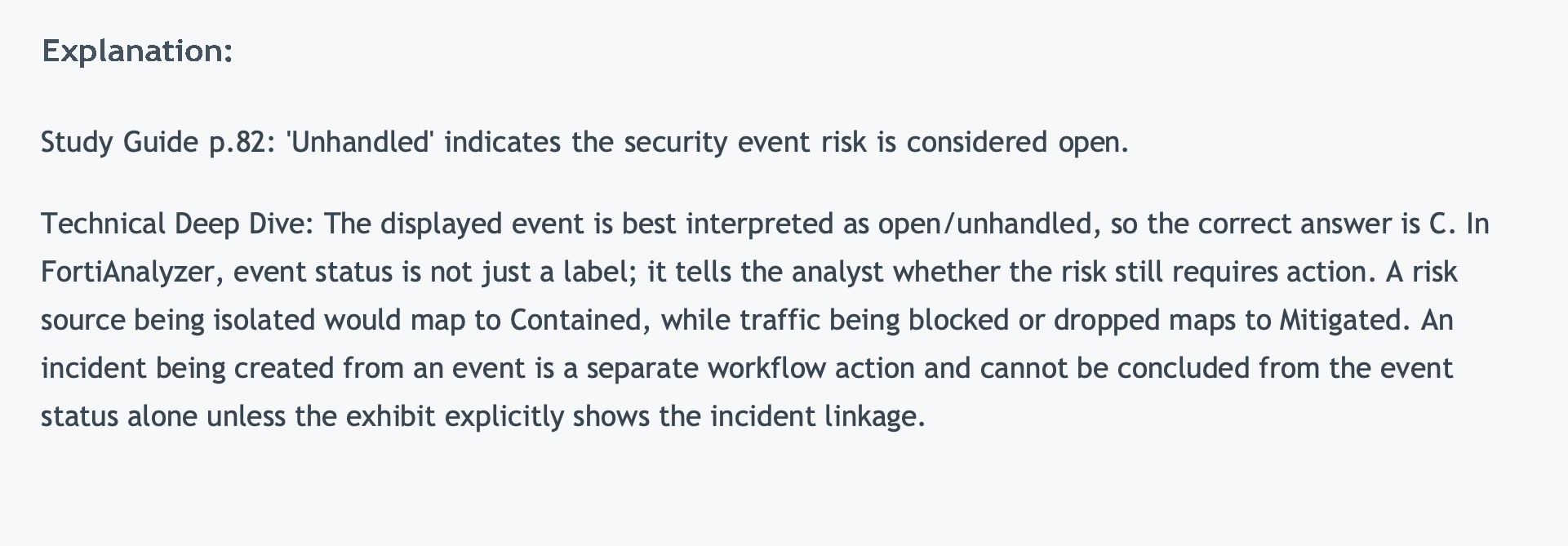
Study Guide p.82: 'Unhandled' indicates the security event risk is considered open. Technical Deep Dive: The displayed event is best interpreted as open/unhandled, so the correct answer is C. In FortiAnalyzer, event status is not just a label; it tells the analyst whether the risk still requires action. A risk source being isolated would map to Contained, while traffic being blocked or dropped maps to Mitigated. An incident being created from an event is a separate workflow action and cannot be concluded from the event status alone unless the exhibit explicitly shows the incident linkage.
Quiz

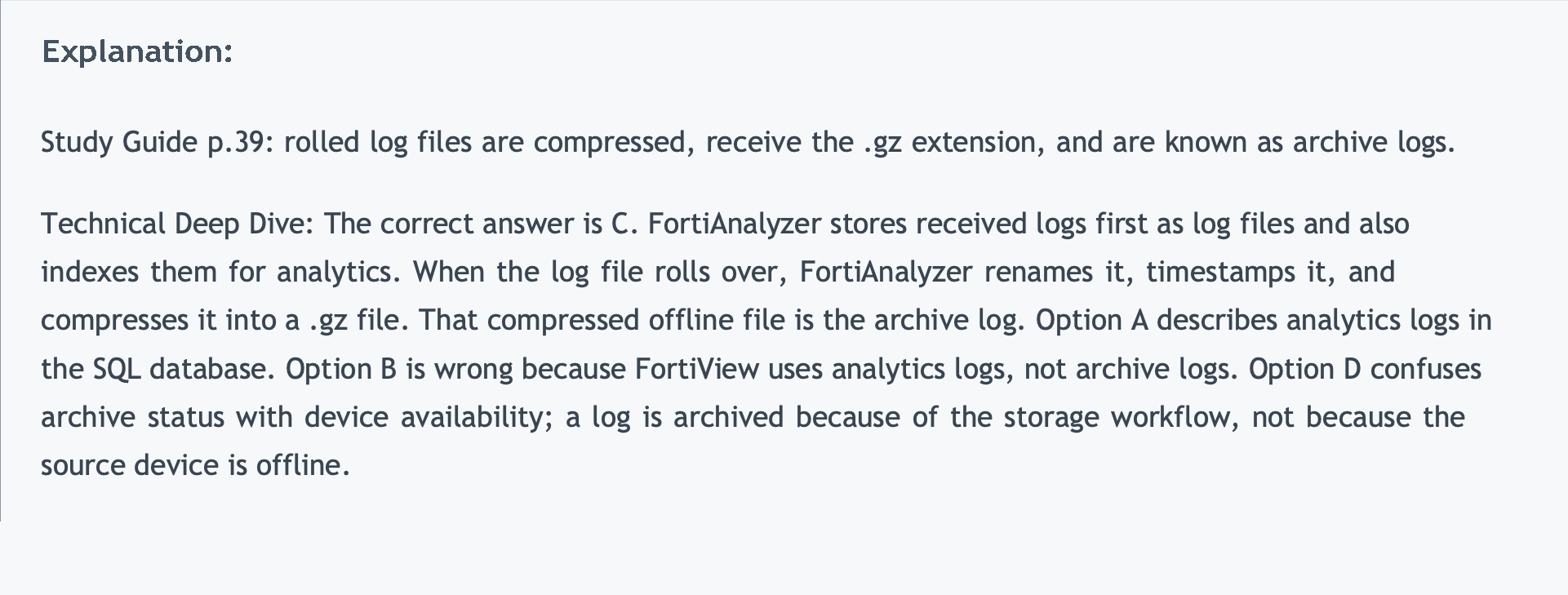
Study Guide p.39: rolled log files are compressed, receive the .gz extension, and are known as archive logs. Technical Deep Dive: The correct answer is C. FortiAnalyzer stores received logs first as log files and also indexes them for analytics. When the log file rolls over, FortiAnalyzer renames it, timestamps it, and compresses it into a .gz file. That compressed offline file is the archive log. Option A describes analytics logs in the SQL database. Option B is wrong because FortiView uses analytics logs, not archive logs. Option D confuses archive status with device availability; a log is archived because of the storage workflow, not because the source device is offline.








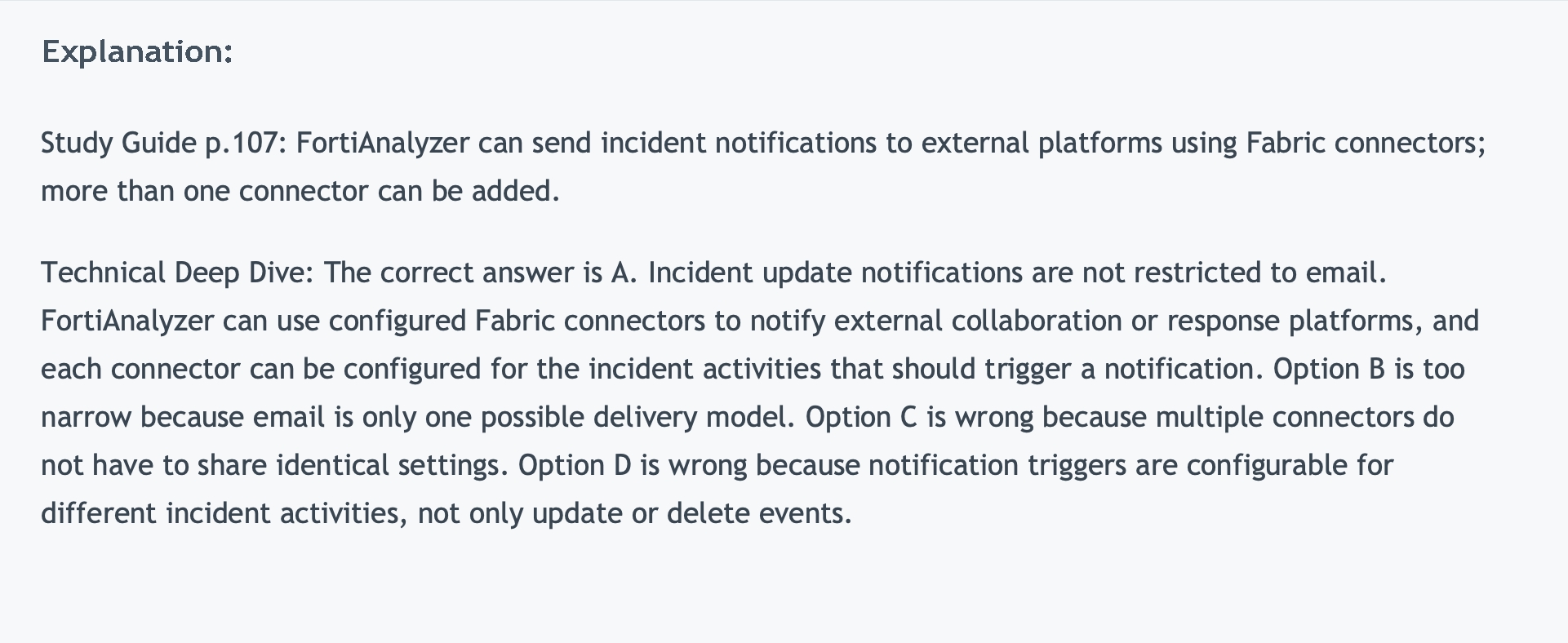
Study Guide p.107: FortiAnalyzer can send incident notifications to external platforms using Fabric connectors; more than one connector can be added. Technical Deep Dive: The correct answer is A. Incident update notifications are not restricted to email. FortiAnalyzer can use configured Fabric connectors to notify external collaboration or response platforms, and each connector can be configured for the incident activities that should trigger a notification. Option B is too narrow because email is only one possible delivery model. Option C is wrong because multiple connectors do not have to share identical settings. Option D is wrong because notification triggers are configurable for different incident activities, not only update or delete events.






Quiz

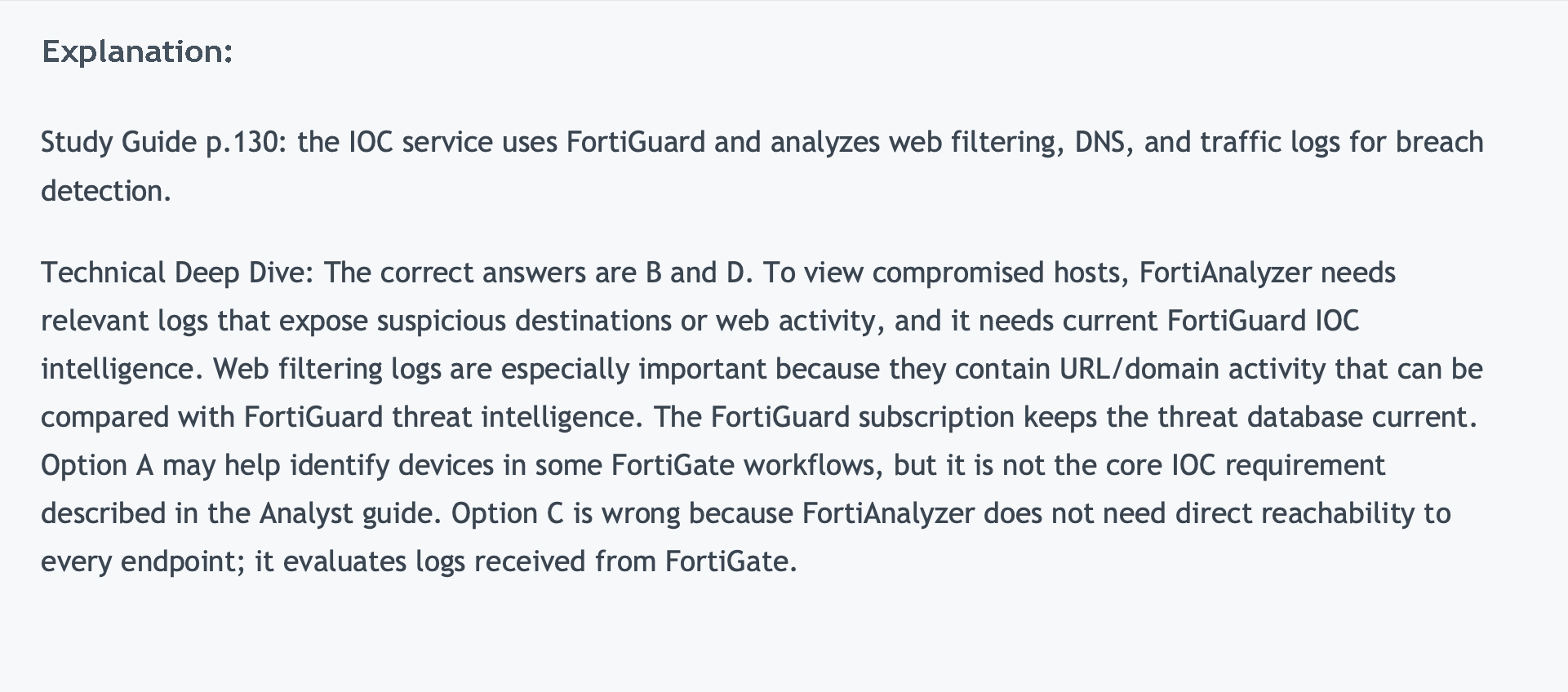
Study Guide p.130: the IOC service uses FortiGuard and analyzes web filtering, DNS, and traffic logs for breach detection. Technical Deep Dive: The correct answers are B and D. To view compromised hosts, FortiAnalyzer needs relevant logs that expose suspicious destinations or web activity, and it needs current FortiGuard IOC intelligence. Web filtering logs are especially important because they contain URL/domain activity that can be compared with FortiGuard threat intelligence. The FortiGuard subscription keeps the threat database current. Option A may help identify devices in some FortiGate workflows, but it is not the core IOC requirement described in the Analyst guide. Option C is wrong because FortiAnalyzer does not need direct reachability to every endpoint; it evaluates logs received from FortiGate.






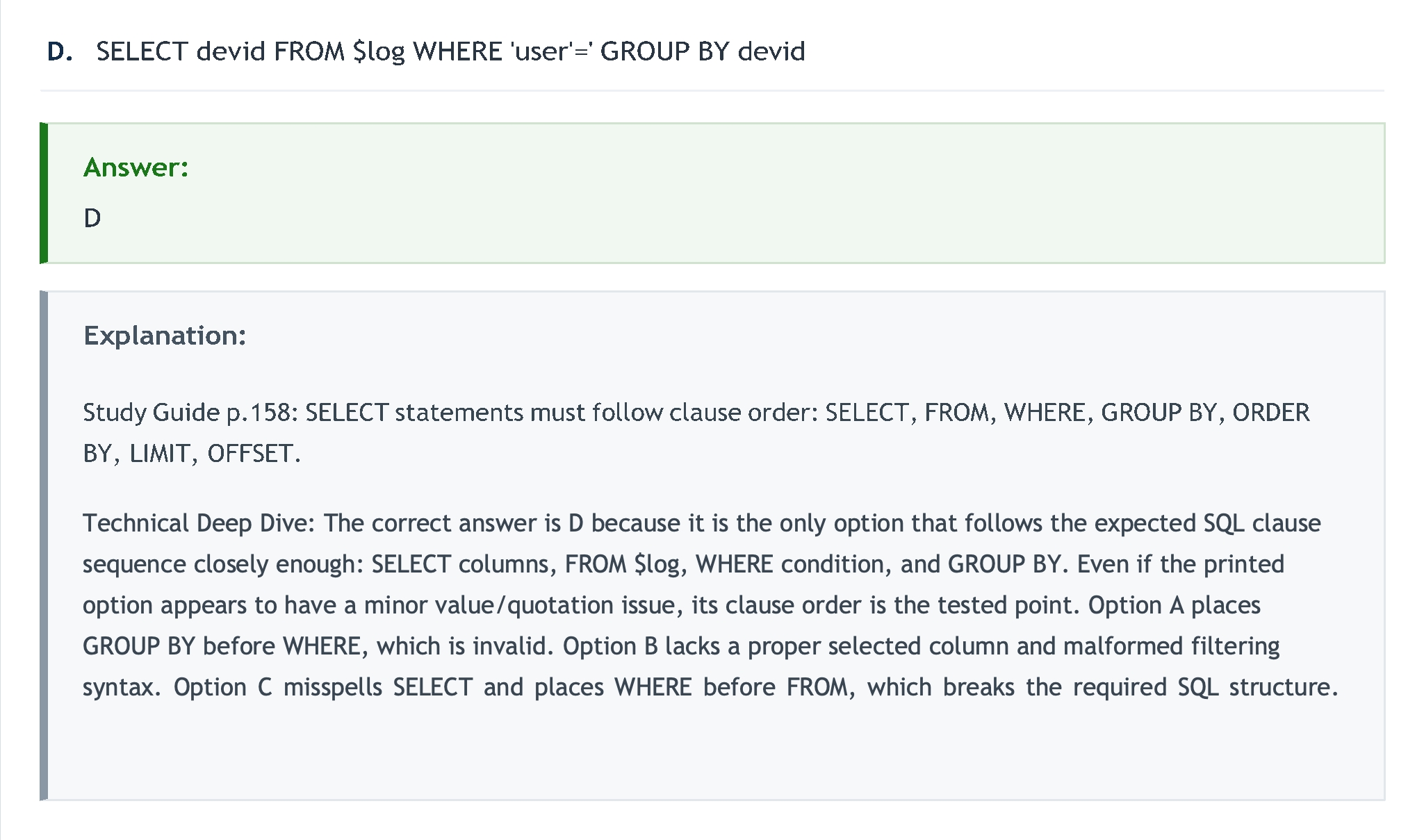
Technical Deep Dive: The correct answer is D because it is the only option that follows the expected SQL clause sequence closely enough: SELECT columns, FROM $log, WHERE condition, and GROUP BY. Even if the printed option appears to have a minor value/quotation issue, its clause order is the tested point. Option A places GROUP BY before WHERE, which is invalid. Option B lacks a proper selected column and malformed filtering syntax. Option C misspells SELECT and places WHERE before FROM, which breaks the required SQL structure.
Quiz
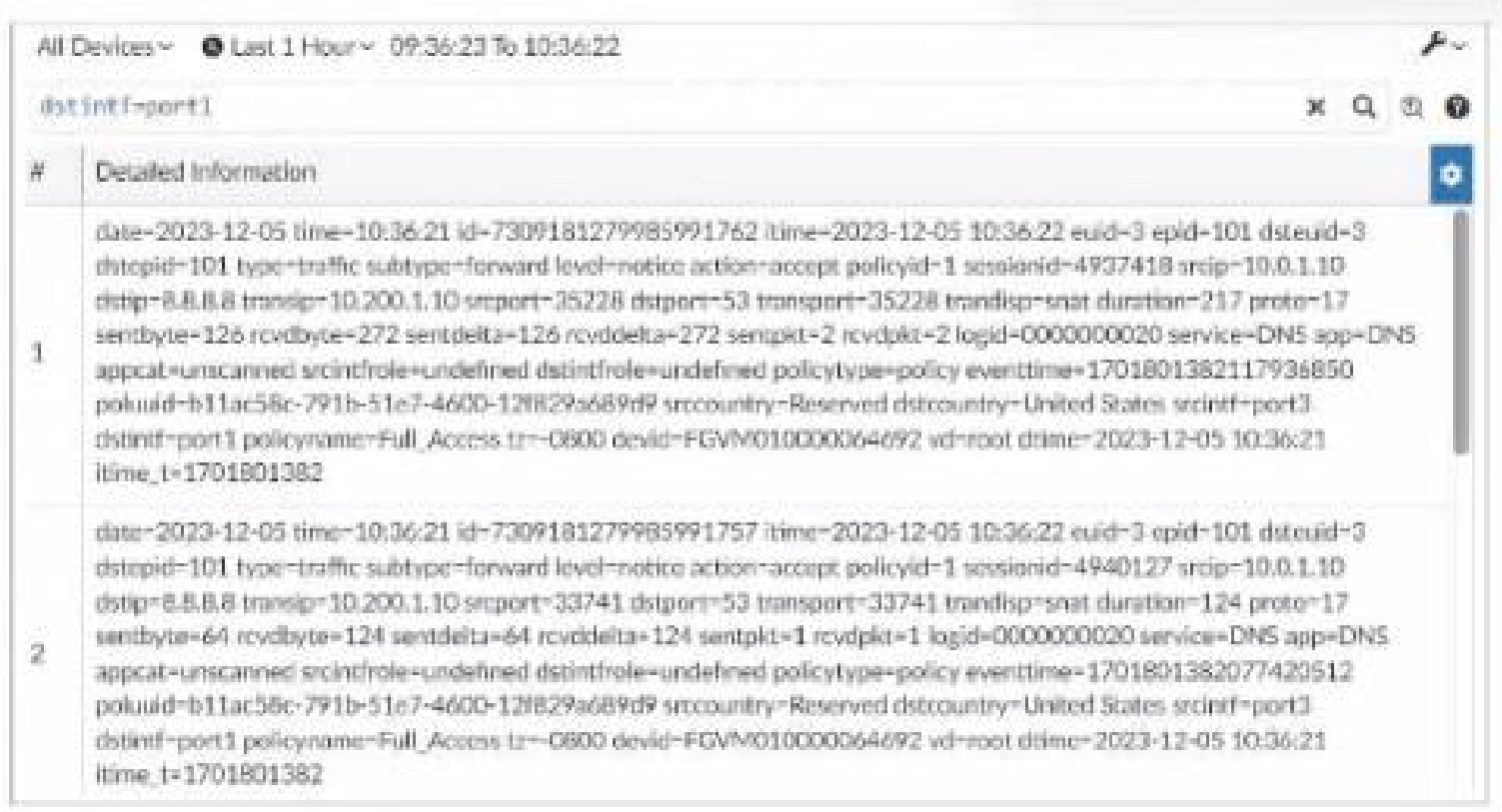
What can you conclude about these search results? (Choose two.)

Study Guide p.58: Log View search results can be downloaded, and raw/text filtering helps with exact field syntax. Technical Deep Dive: The correct answers are A and D. FortiAnalyzer Log View allows administrators to download filtered logs as text or CSV, so the displayed search results can be exported to a file. The exhibit also indicates a text-mode search/filter rather than a purely GUI-built filter. Option B would be true for formatted log tables in general, but the question asks what can be concluded from the displayed search results. Option C is not supported; whether FortiView can analyze related data depends on whether the logs are analytics logs, not merely on the search display.
Quiz

What can you conclude from this output?

Study Guide p.19-p.20: the Security Fabric root/upstream FortiGate relationship affects how traffic and UTM logs are correlated. Technical Deep Dive: The correct answer is B. The output indicates FGT_B is acting as the Security Fabric root. In Security Fabric logging, FortiAnalyzer uses Fabric relationships to correlate logs and avoid duplicate traffic logging. The other options draw conclusions the output does not support: disk quota allocation to quarantine files, exact ADOM disk quota size, or archive-versus-analytics usage require explicit storage lines. The Fabric root conclusion is the one directly supported by the displayed Fabric relationship information.


Exhibit.
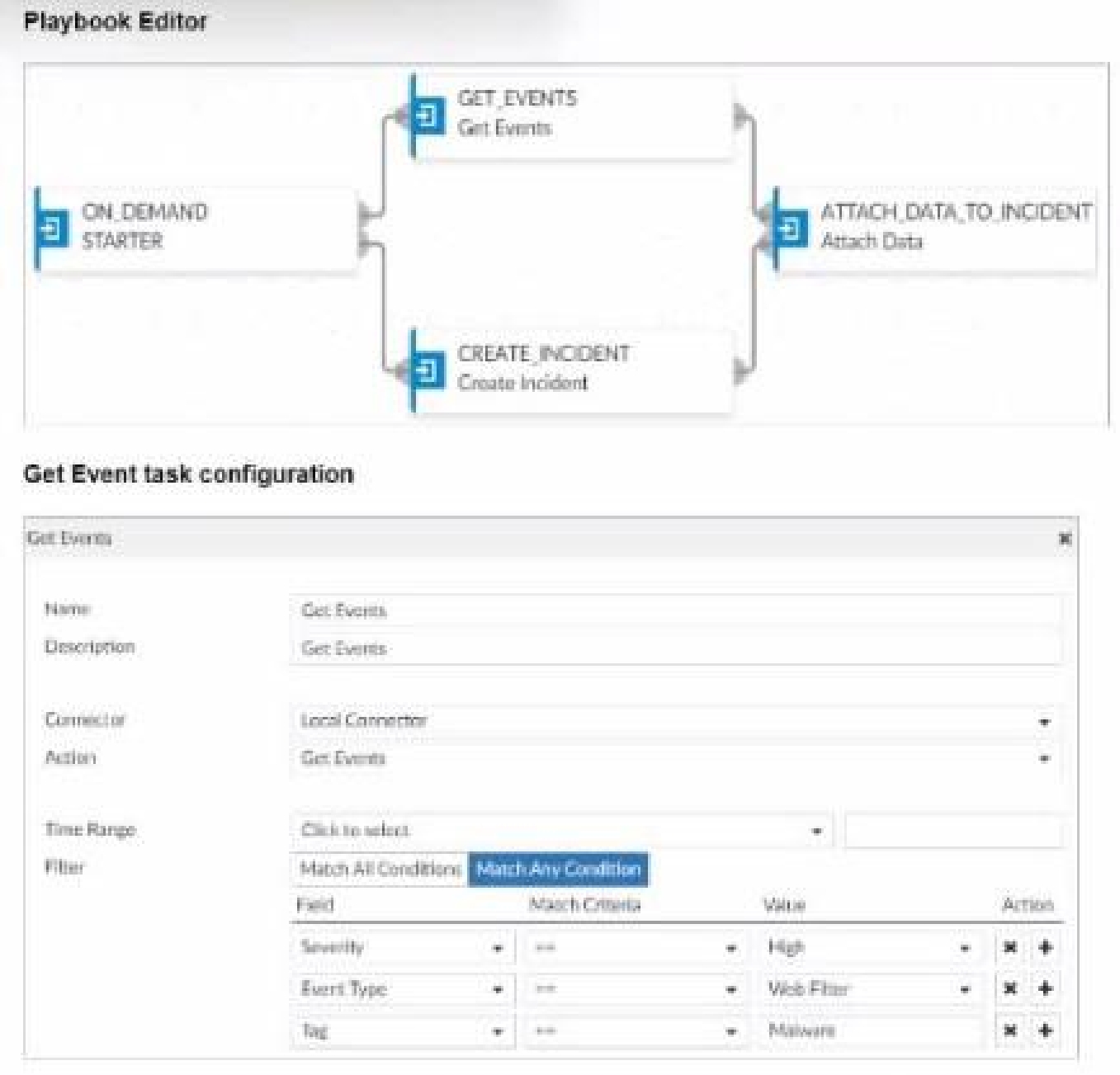

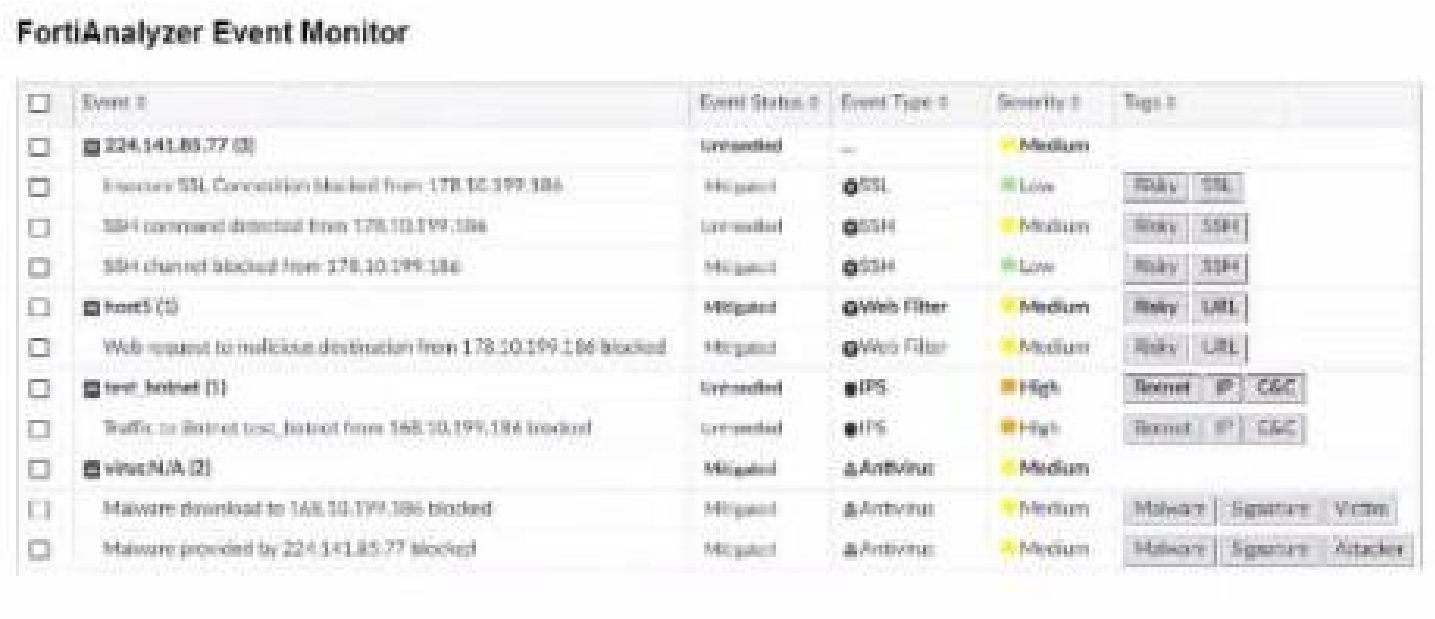
Assume these are all the events that exist on the FortiAnalyzer device. How many events will be added to the incident created after running this playbook? A. Eleven events will be added.
Quiz
Instead of defining your search filters repeatedly, what can you do to save time?

Study Guide p.54: custom views save search filters, device, and time period for repeated Log View searches. Technical Deep Dive: The correct answer is B. A custom view is designed for exactly this use case: an analyst repeatedly searches Log View with the same filters and wants to avoid rebuilding them every time. A custom dashboard shows widgets and summary data but does not preserve a Log View search workflow. A data selector is used mainly as a reusable filter for event handlers and related features. A macro is for report data extraction, not for reusing interactive log-search parameters.
Quiz
additional request that all new generated reports be sent to a company email inbox for accessibility. The
mail server has already been configured on FortiAnalyzer.
Which item must configure on FortiAnalyzer so that emails are sent when the reports are generated?

Study Guide p.181: output profiles specify report format and whether to email or upload generated reports. Technical Deep Dive: The correct answer is D. The mail server being configured only gives FortiAnalyzer the ability to send email. To send generated reports automatically, the report must use an output profile that defines the delivery method and recipients or upload target. Option A is not a report-level distribution setting. Option B confuses report layout content with report delivery. Option C is wrong because the report calendar shows scheduled report status; scheduling and distribution are configured in the report settings and output profile.








Study Guide p.173: macros represent dataset queries in abbreviated form, and macros are ADOM-specific. Technical Deep Dive: The correct answer is C. FortiAnalyzer macros are not Excel-generation shortcuts and are not fixed templates. A macro is an abbreviated way to insert data extracted by a dataset query into a report without using a chart. Because reports, libraries, and related definitions are separated by ADOM, macros are ADOM-specific. Option A is wrong because custom macros can be created. Option B invents an Excel-specific behavior not described by the guide. Option D is too restrictive because macros are not limited only to FortiGate ADOMs.
Quiz





After generating a report, you notice the information you were expecting to see is not included in it.
However, you confirm that the logs are there:
Which two actions should you perform? (Choose two.)

Study Guide p.189: for missing report data, check the report time frame and test the dataset. Technical Deep Dive: The correct answers are A and D. If the logs exist but the generated report lacks expected information, the first checks are whether the report time frame includes those logs and whether the dataset query returns the expected rows. Reports are only as accurate as their time filter and SQL dataset. Disabling auto-cache is not the normal fix; cache improves performance and scheduled reports use it. Increasing a quota does not correct a wrong time range or broken SQL query unless the report fails for resource reasons, which is not the scenario described.
MULTIPLE CHOICE
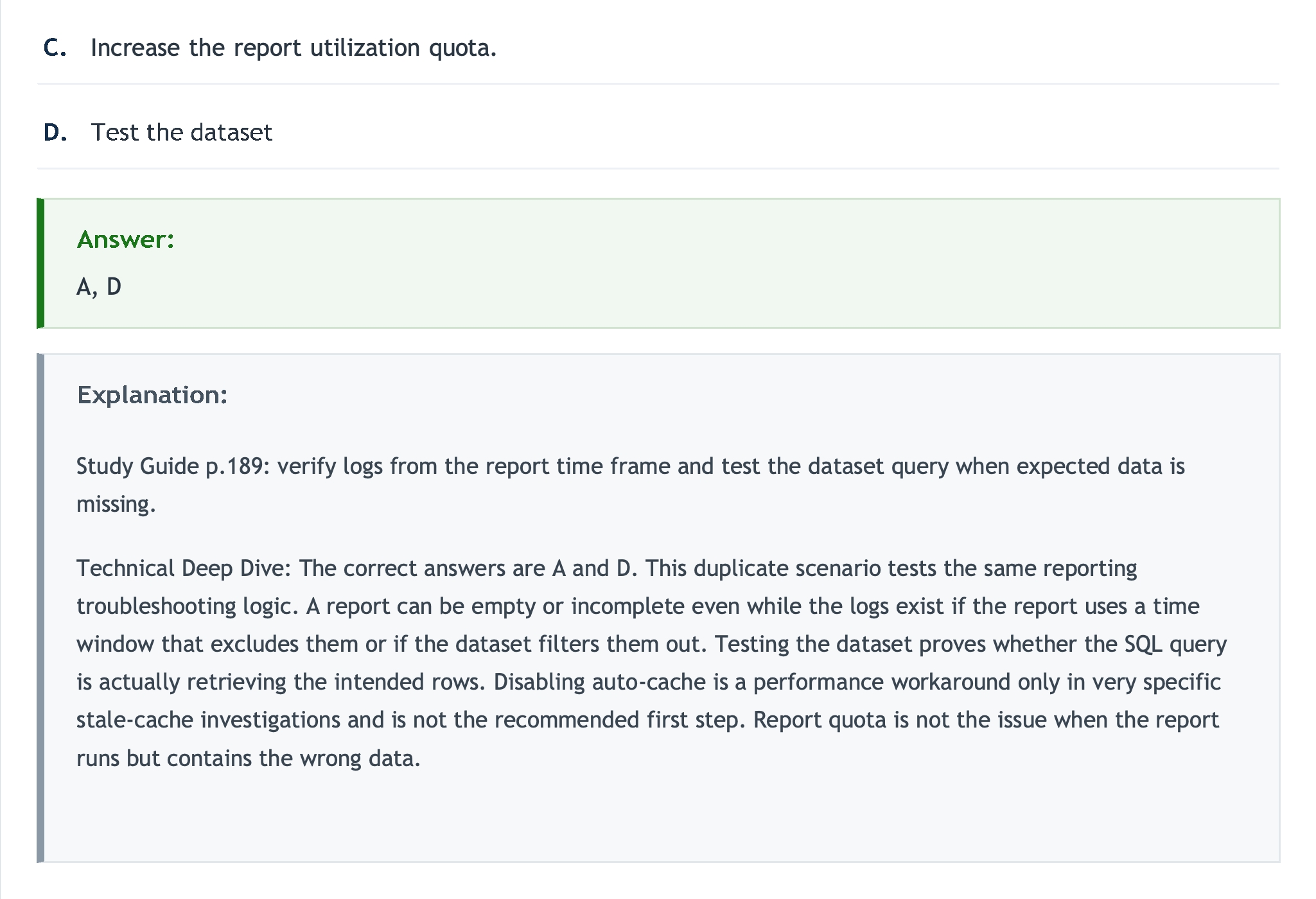
Increase the report utilization quota. A, D


Study Guide p.189: verify logs from the report time frame and test the dataset query when expected data is missing. Technical Deep Dive: The correct answers are A and D. This duplicate scenario tests the same reporting troubleshooting logic. A report can be empty or incomplete even while the logs exist if the report uses a time window that excludes them or if the dataset filters them out. Testing the dataset proves whether the SQL query is actually retrieving the intended rows. Disabling auto-cache is a performance workaround only in very specific stale-cache investigations and is not the recommended first step. Report quota is not the issue when the report runs but contains the wrong data.
Quiz
Study Guide p.22-p.24: analyzer is the default mode; collector mode forwards logs, including to syslog/CEF, and mixed deployments improve scale. Technical Deep Dive: The correct answers are A and D. In collector mode, FortiAnalyzer collects logs and forwards them to another analyzer, syslog server, or CEF server depending on forwarding mode. A topology using both collectors and analyzers can improve performance and regional scalability by offloading collection and keeping analysis/reporting on analyzer devices. Option B is wrong because analyzer mode is the default, not collector mode. Option C is wrong because collector mode has fewer features and does not provide reporting or event-management capabilities.
FCP_FAZ_AN-7.6: Fortinet NSE 5 - FortiAnalyzer 7.6 Analyst Practice test unlocks all online simulator questions
Thank you for choosing the free version of the FCP_FAZ_AN-7.6: Fortinet NSE 5 - FortiAnalyzer 7.6 Analyst practice test! Further deepen your knowledge on Fortinet Simulator; by unlocking the full version of our FCP_FAZ_AN-7.6: Fortinet NSE 5 - FortiAnalyzer 7.6 Analyst Simulator you will be able to take tests with over 32 constantly updated questions and easily pass your exam. 98% of people pass the exam in the first attempt after preparing with our 32 questions.
BUY NOWWhat to expect from our FCP_FAZ_AN-7.6: Fortinet NSE 5 - FortiAnalyzer 7.6 Analyst practice tests and how to prepare for any exam?
The FCP_FAZ_AN-7.6: Fortinet NSE 5 - FortiAnalyzer 7.6 Analyst Simulator Practice Tests are part of the Fortinet Database and are the best way to prepare for any FCP_FAZ_AN-7.6: Fortinet NSE 5 - FortiAnalyzer 7.6 Analyst exam. The FCP_FAZ_AN-7.6: Fortinet NSE 5 - FortiAnalyzer 7.6 Analyst practice tests consist of 32 questions and are written by experts to help you and prepare you to pass the exam on the first attempt. The FCP_FAZ_AN-7.6: Fortinet NSE 5 - FortiAnalyzer 7.6 Analyst database includes questions from previous and other exams, which means you will be able to practice simulating past and future questions. Preparation with FCP_FAZ_AN-7.6: Fortinet NSE 5 - FortiAnalyzer 7.6 Analyst Simulator will also give you an idea of the time it will take to complete each section of the FCP_FAZ_AN-7.6: Fortinet NSE 5 - FortiAnalyzer 7.6 Analyst practice test . It is important to note that the FCP_FAZ_AN-7.6: Fortinet NSE 5 - FortiAnalyzer 7.6 Analyst Simulator does not replace the classic FCP_FAZ_AN-7.6: Fortinet NSE 5 - FortiAnalyzer 7.6 Analyst study guides; however, the Simulator provides valuable insights into what to expect and how much work needs to be done to prepare for the FCP_FAZ_AN-7.6: Fortinet NSE 5 - FortiAnalyzer 7.6 Analyst exam.
BUY NOWFCP_FAZ_AN-7.6: Fortinet NSE 5 - FortiAnalyzer 7.6 Analyst Practice test therefore represents an excellent tool to prepare for the actual exam together with our Fortinet practice test . Our FCP_FAZ_AN-7.6: Fortinet NSE 5 - FortiAnalyzer 7.6 Analyst Simulator will help you assess your level of preparation and understand your strengths and weaknesses. Below you can read all the quizzes you will find in our FCP_FAZ_AN-7.6: Fortinet NSE 5 - FortiAnalyzer 7.6 Analyst Simulator and how our unique FCP_FAZ_AN-7.6: Fortinet NSE 5 - FortiAnalyzer 7.6 Analyst Database made up of real questions:
Info quiz:
- Quiz name:FCP_FAZ_AN-7.6: Fortinet NSE 5 - FortiAnalyzer 7.6 Analyst
- Total number of questions:32
- Number of questions for the test:50
- Pass score:80%
You can prepare for the FCP_FAZ_AN-7.6: Fortinet NSE 5 - FortiAnalyzer 7.6 Analyst exams with our mobile app. It is very easy to use and even works offline in case of network failure, with all the functions you need to study and practice with our FCP_FAZ_AN-7.6: Fortinet NSE 5 - FortiAnalyzer 7.6 Analyst Simulator.
Use our Mobile App, available for both Android and iOS devices, with our FCP_FAZ_AN-7.6: Fortinet NSE 5 - FortiAnalyzer 7.6 Analyst Simulator . You can use it anywhere and always remember that our mobile app is free and available on all stores.
Our Mobile App contains all FCP_FAZ_AN-7.6: Fortinet NSE 5 - FortiAnalyzer 7.6 Analyst practice tests which consist of 32 questions and also provide study material to pass the final FCP_FAZ_AN-7.6: Fortinet NSE 5 - FortiAnalyzer 7.6 Analyst exam with guaranteed success. Our FCP_FAZ_AN-7.6: Fortinet NSE 5 - FortiAnalyzer 7.6 Analyst database contain hundreds of questions and Fortinet Tests related to FCP_FAZ_AN-7.6: Fortinet NSE 5 - FortiAnalyzer 7.6 Analyst Exam. This way you can practice anywhere you want, even offline without the internet.
BUY NOW