3V0-42.23 exam questions - Why do you need to take a official updated VMware NSX 4.X Advanced Design practice test 2026?
Quiz 3V0-42.23: VMware NSX 4.X Advanced Design
Here are the most popular products... Try them now!
1
The best way to learn is by doing. That’s why we provide official updated practice exams 2026 to simulate the real exam environment
Are you planning to take the 3V0-42.23: VMware NSX 4.X Advanced Design exam? 3V0-42.23: VMware NSX 4.X Advanced Design is designed only for those candidates that are highly qualified and knowledgeable. Approximately 50% people failed in the 3V0-42.23: VMware NSX 4.X Advanced Design exam due to anxiety and lack of confidence. You won’t be in that statistic if you prepare well. Our Updated Official 3V0-42.23: VMware NSX 4.X Advanced Design practice test 2026 are designed for all types of people and help them to increase the chances to pass the 3V0-42.23: VMware NSX 4.X Advanced Design exam, decrease anxiety and increase confidence. In this way, you can better understanding of each topic, experience real 3V0-42.23: VMware NSX 4.X Advanced Design exam environment with our 3V0-42.23: VMware NSX 4.X Advanced Design simulator, take multiple choice 3V0-42.23: VMware NSX 4.X Advanced Design practice test that will increase your skill to identify the correct answer from two to three wrong answers and use mobile app to study anywhere.
Download updated mobile app for official 3V0-42.23: VMware NSX 4.X Advanced Design exam 2026 and study anywhere
Certification Exam mobile app download now!

Certification Exam mobile app download now!
Our Certification Exam app has everything you need to practice for your official updated test 2026. Take 3V0-42.23: VMware NSX 4.X Advanced Design practice test simulator from the convenience of your own mobile device, whenever and wherever you want!
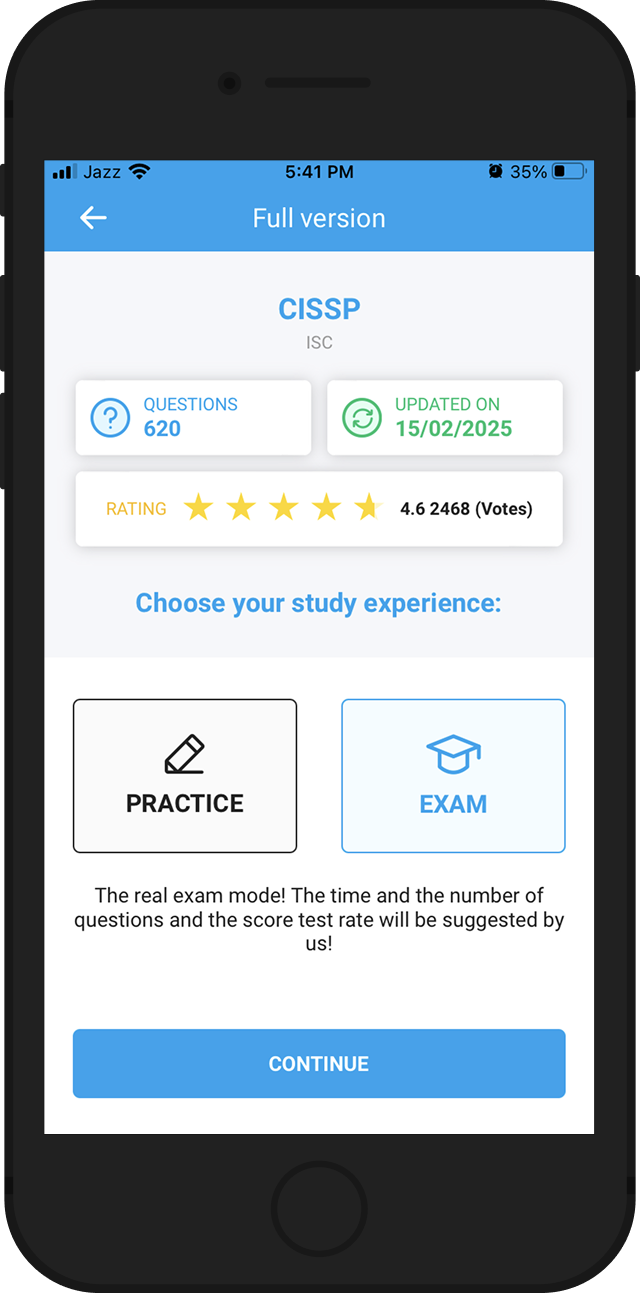
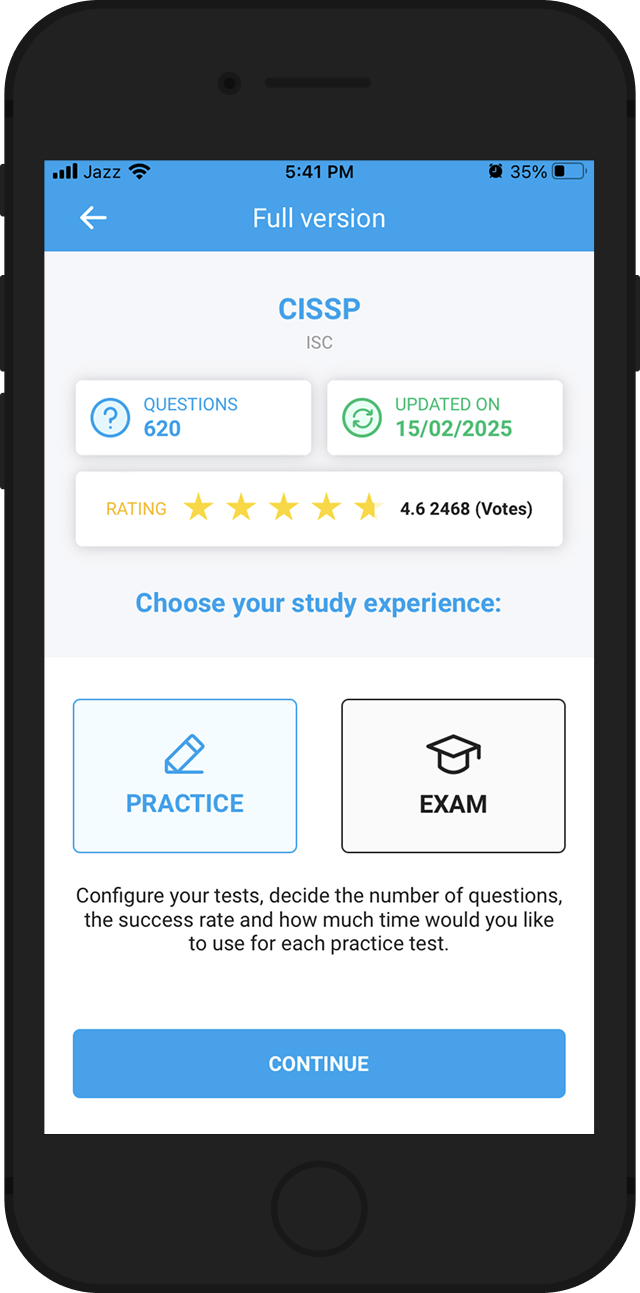
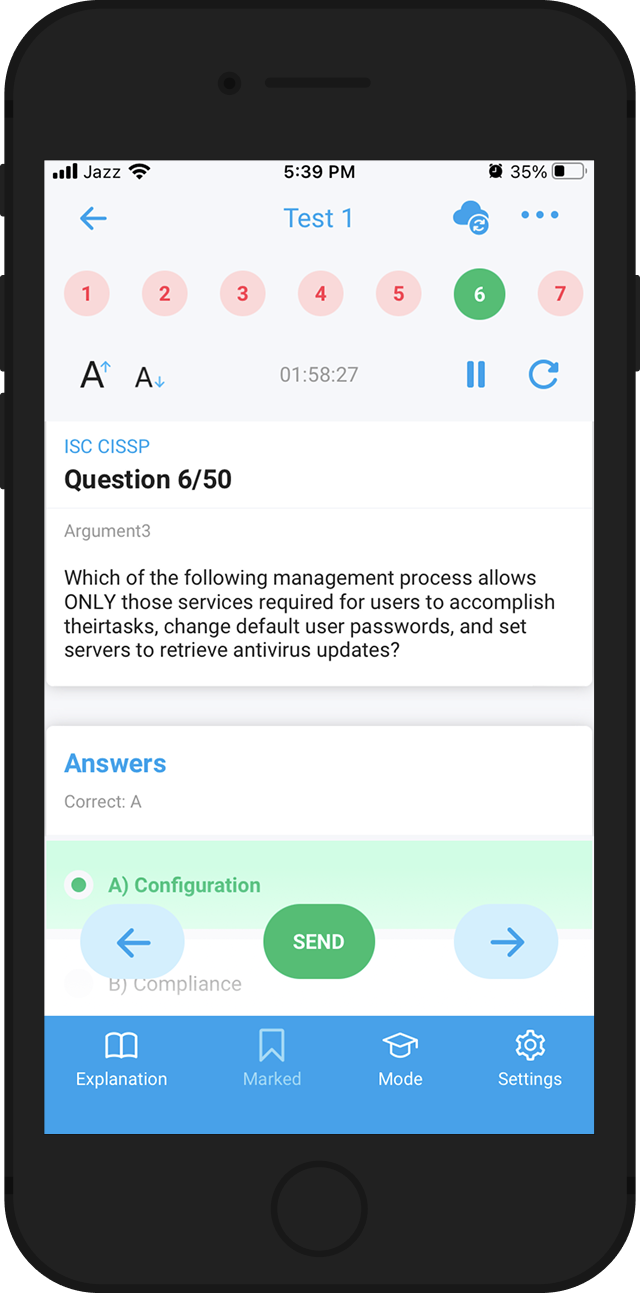
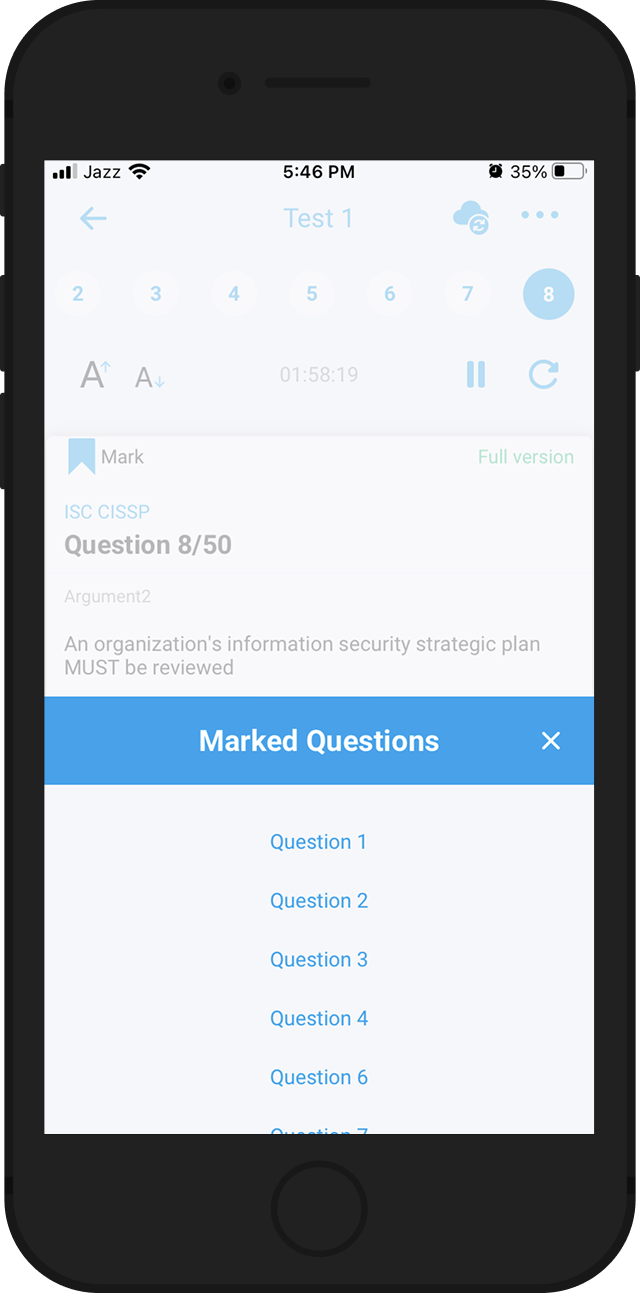
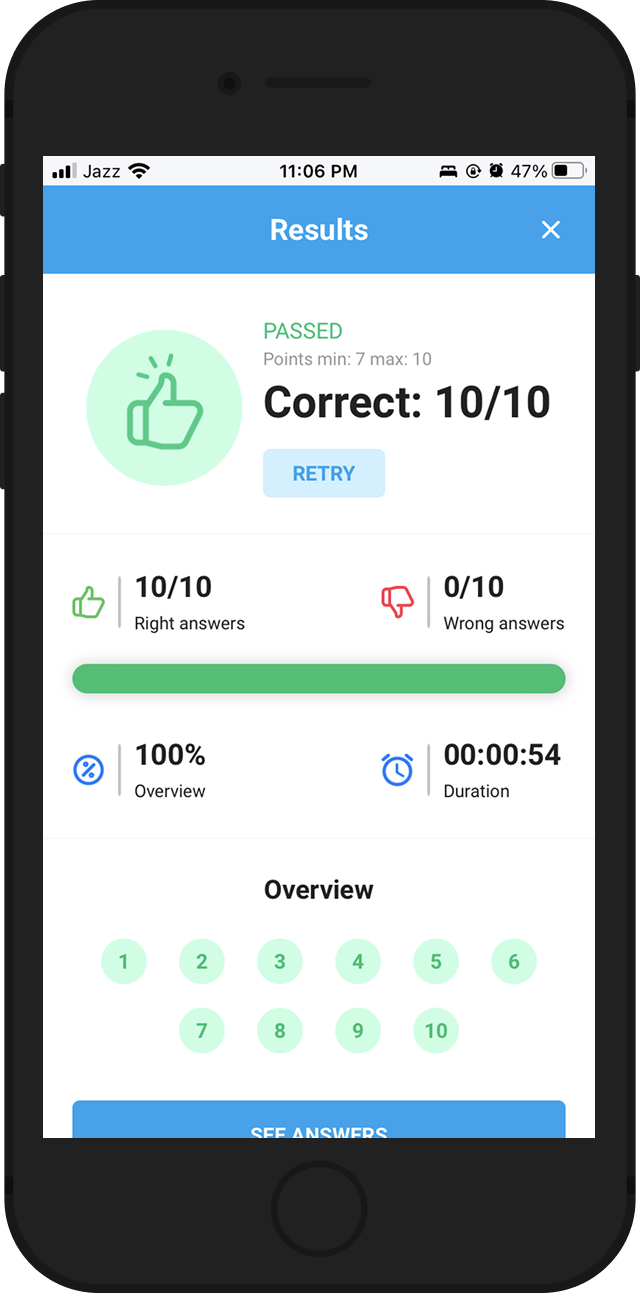
Our Mobile App is your perfect companion for the preparation of your exams. Comfortable, fluid and very simple to use, with all the necessary functions to allow you to test your preparation and better organize the time to devote to your study and it also works off-line in case you don’t have network availability!
The app is a complete study tool for your 3V0-42.23: VMware NSX 4.X Advanced Design test. You will be able to review the official content, practice 3V0-42.23: VMware NSX 4.X Advanced Design questions, manage your time and obtain a better understanding of what to expect on the day of the exam.
Download this free mobile app, available on iOS and Android, to prepare for your 3V0-42.23: VMware NSX 4.X Advanced Design exam.
It’s comfortable, fluid and very simple to use, with all the necessary functions to allow you to test your preparation and better organize the time to devote to your study!
You will have the possibility of taking exams in a range of 3V0-42.23: VMware NSX 4.X Advanced Design exams, from which you can choose which one is the most interesting for you.
App contains all features of our Online Web 3V0-42.23: VMware NSX 4.X Advanced Design Simulator.
You want to study for your 3V0-42.23: VMware NSX 4.X Advanced Design exam on the go, but don’t have an internet connection? Not a problem! Our mobile app is available offline so you can continue studying wherever you are. Our mobile app syncs with the web, so whatever you do on the app is always up-to-date and in sync with the web and vice versa. So, if you start a session on the web, then switch to mobile and then go back to web - it’s all good! Your progress will be in sync.
The app will keep track of how many questions you answer correctly and analyze your performance based on topics
The result will be communicated with a percentage score, so that you can easily assess whether or not you are ready to take the final exam!
Follow these steps to study faster and smarter way for your 3V0-42.23: VMware NSX 4.X Advanced Design exam:
Step 1: Get an idea of the topics covered in 3V0-42.23: VMware NSX 4.X Advanced Design practice test
You may be familiar with one or more topics in 3V0-42.23: VMware NSX 4.X Advanced Design, but most likely you do not have a solid understanding of all the topics. So, It is very important you must have a better understanding of each topic before you start preparing for your 3V0-42.23: VMware NSX 4.X Advanced Design exam. Our 3V0-42.23: VMware NSX 4.X Advanced Design practice test are made up of multiple topics, so it’s important that you have an idea of each topic before taking the test. This will help you figure out what type of questions you’ll be asked and how they’re worded. It will also make it easier for you to study, since you won’t waste time studying something that isn’t relevant to the exam. It will help you to know what to expect on your 3V0-42.23: VMware NSX 4.X Advanced Design exam.
Our 3V0-42.23: VMware NSX 4.X Advanced Design practice test covered the following topics:
for 3V0-42.23: VMware NSX 4.X Advanced Design that will help you to study by topic to test your knowledge of a specific area.
Step 2: Take multiple choice practice test with over official updated 0 questions 2026
Practice tests are an important part of the study process for any 3V0-42.23: VMware NSX 4.X Advanced Design test. Taking multiple choice practice tests is a good way to get familiar with the format and content of the actual test you’ll take on test day. The more you practice, the better prepared you will be for the real test. Our 3V0-42.23: VMware NSX 4.X Advanced Design test questions and answers are similar to those that will be on your 3V0-42.23: VMware NSX 4.X Advanced Design test day. The questions on these practice tests are very similar in format and level of difficulty as those on the actual test. Practice tests help familiarize you with what to expect on 3V0-42.23: VMware NSX 4.X Advanced Design test day. You’ll see how long it takes to complete a section and learn how much time you should spend on each question. This can help you budget your time during the real exam.
Our 3V0-42.23: VMware NSX 4.X Advanced Design practice test comes with the following multi-step approach:
Use 3V0-42.23: VMware NSX 4.X Advanced Design test Practice Mode
You can also take a practice test online with practice mode. This option is available for all candidates. It is an easy way to prepare for the 3V0-42.23: VMware NSX 4.X Advanced Design actual exam. You can use it on our Mobile app and online simulator.
The Practice Mode is a convenient way to prepare for the 3V0-42.23: VMware NSX 4.X Advanced Design exam. This practice test includes multiple-choice questions and custom test configuration options. It’s an excellent way to familiarize yourself with the test format, get comfortable with the test environment, and practice answering the types of questions that will be on the exam. Practice Mode also allows you to take the test multiple times to increase your confidence and score. Practice mode have the following features:
Custom topic selection
The 3V0-42.23: VMware NSX 4.X Advanced Design questions have 0 topics covered. In practice mode, to test your knowledge of a specific area, select custom topics to study by topics. It allows you to choose which topic you want to test yourself on. You can choose one or all topics when you configure your practice mode test.
The best feature in practice mode is you can choose a specific topic for your practice test. It’s like a flashcard app where you can set the topic and it will give you a question based on that topic.
It has all the topics that are covered in 3V0-42.23: VMware NSX 4.X Advanced Design exam and it has questions which are similar to those in actual exam. The interface is simple, clean and easy to use.
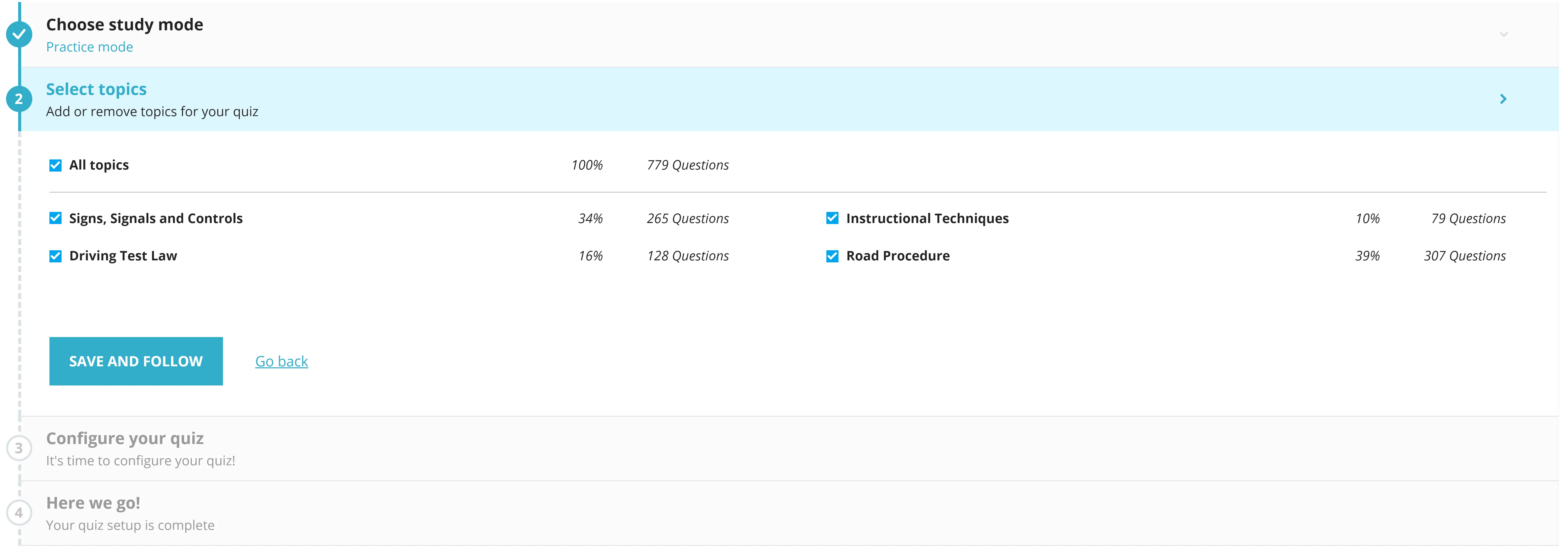
To study by topic, first select “Reset Configuration” at the right top of the Practice Test screen. You’ll see a list of all the different areas covered on the 3V0-42.23: VMware NSX 4.X Advanced Design test quiz:
Once you’ve selected Custom Topics from the drop-down menu and seen a list of topics, simply click on any checkbox next to an area you want to focus on or uncheck any checkbox next to an area you don’t want to include in your practice test. Then click “Save and Follow” button.
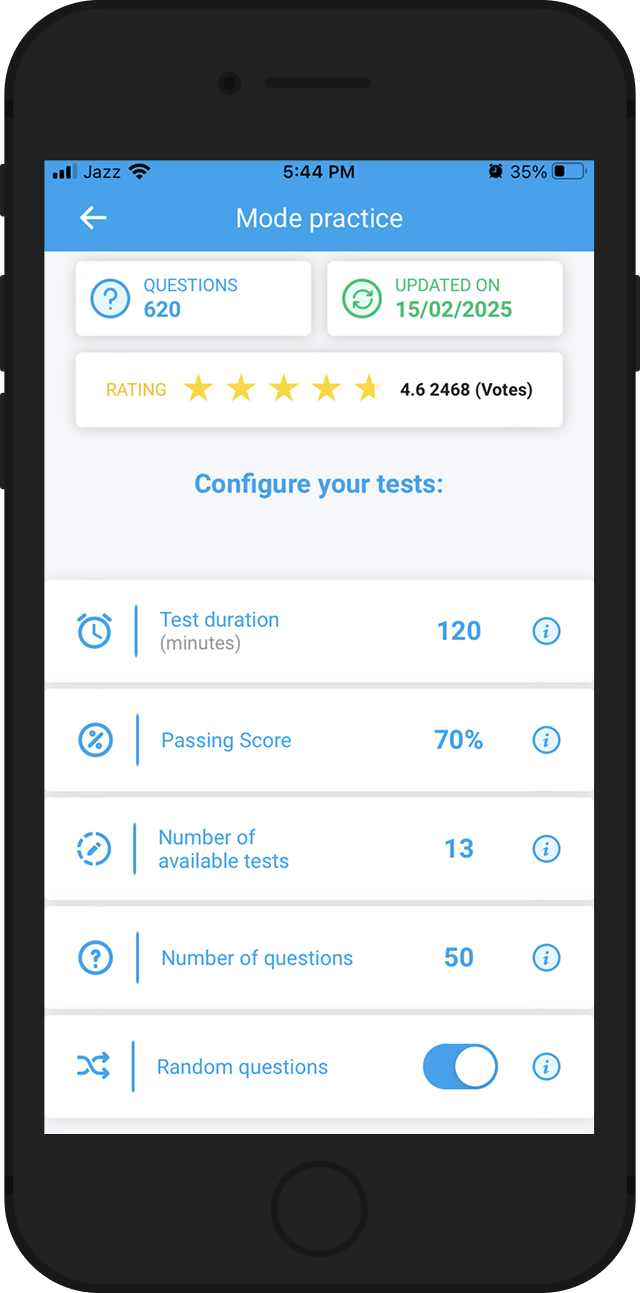
Select duration form 30 to 120 minutes your test
The duration of 3V0-42.23: VMware NSX 4.X Advanced Design exam is 120 minutes. You can select custom time duration for your 3V0-42.23: VMware NSX 4.X Advanced Design test online in practice mode, but you cannot do it in the actual exam.

On the configuration page you will see a “Quiz duration” option.
Select the “Quiz Duration” option to enter a custom time duration for each test in your practice test.
The default custom time duration is 120 minutes for each test. You can change this value to 120 minutes greater than or equal to 10 minutes.
Select ‘Start Quiz’ button to start your test with specified duration of each section.
Set Custom Passing score
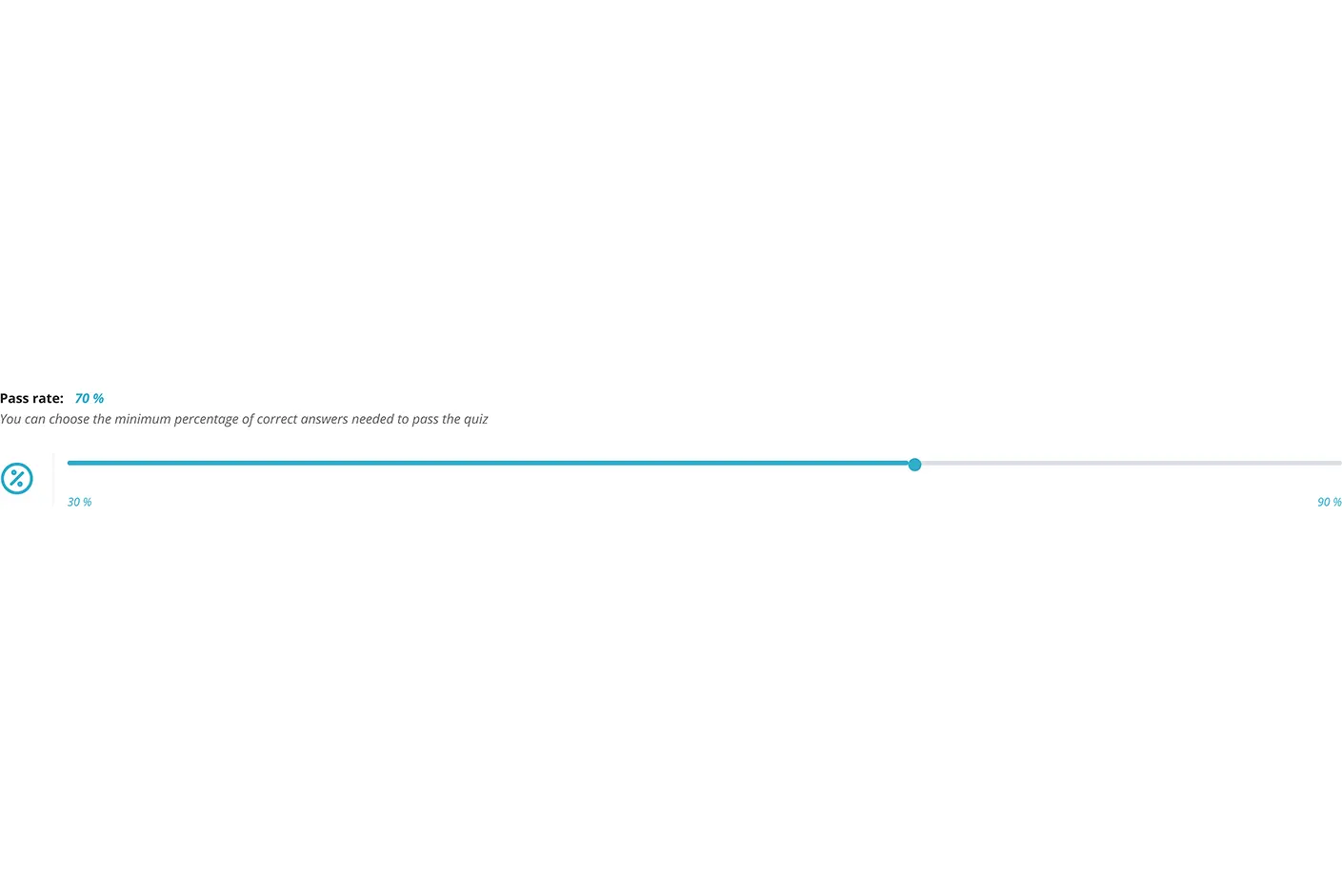
The passing score of 3V0-42.23: VMware NSX 4.X Advanced Design exam is 80%. You can choose the minimum percentage of correct answers needed to pass the test (or the points). The minimum passing score for a test is typically set at 80%. The passing score is determined by the vendor and may vary from one test to another. You can choose the passing score between 30% and 80. For example, if you want to pass the test with at least 80%, then you should set the passing score to be 80%.
Set Custom Number of tests
It is important that you take as many tests as possible to increase your chances of success. Online 3V0-42.23: VMware NSX 4.X Advanced Design quiz consist of 50 test. You can choose to practice on several tests. You can also customize the number of tests by selecting the number of tests you want to take. The more tests you choose the fewer the associated questions in practice mode.
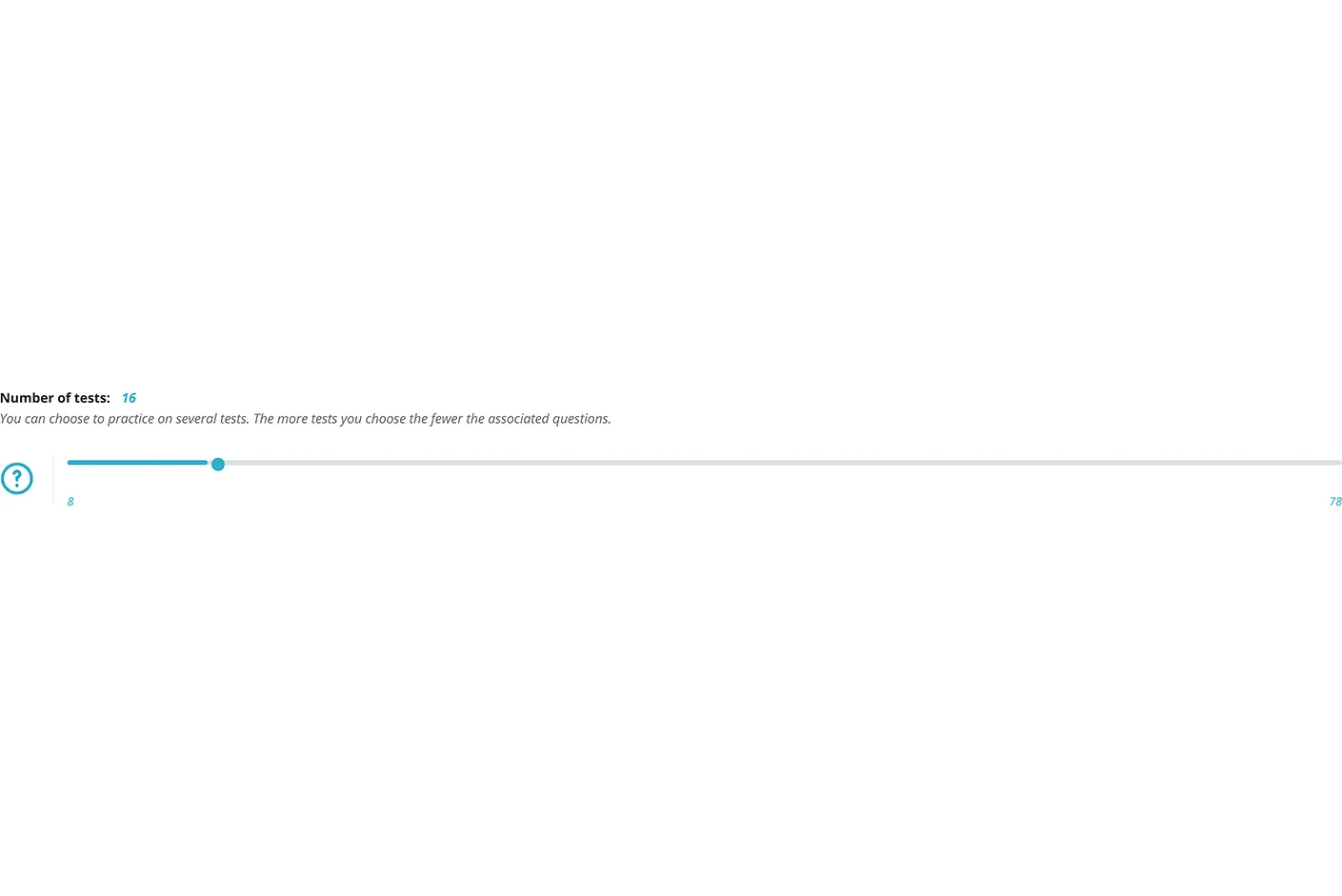
On the configuration page you will see a “Number of tests” option.
Select the “Number of tests” option to enter a custom Number of tests for each test in your practice test.
The default custom Number of tests are 50 tests. You can change this value to 50 number of tests greater than or equal to 8 tests.
Select the ‘Start Quiz’ button to start your test with a specified number of tests of each section.
Set Custom Number of questions
3V0-42.23: VMware NSX 4.X Advanced Design exam consists of 0. You can select a custom number of questions. Please note that we recommend taking a 3V0-42.23: VMware NSX 4.X Advanced Design practice test as close to the real exam as possible and the recommended number of questions is 3V0-42.23: VMware NSX 4.X Advanced Design exam consists of 0. In case you don’t find it comfortable enough, you can always adjust the number of questions later on. The number of questions is the most important factor in determining the time it takes to complete your test. The more questions, the longer it will take. Selecting a lower number of questions makes your test more difficult, but gives you more time to answer each question in greater detail. Selecting a higher number of questions makes your test easier, but requires you to answer them quickly before moving on to the next question.
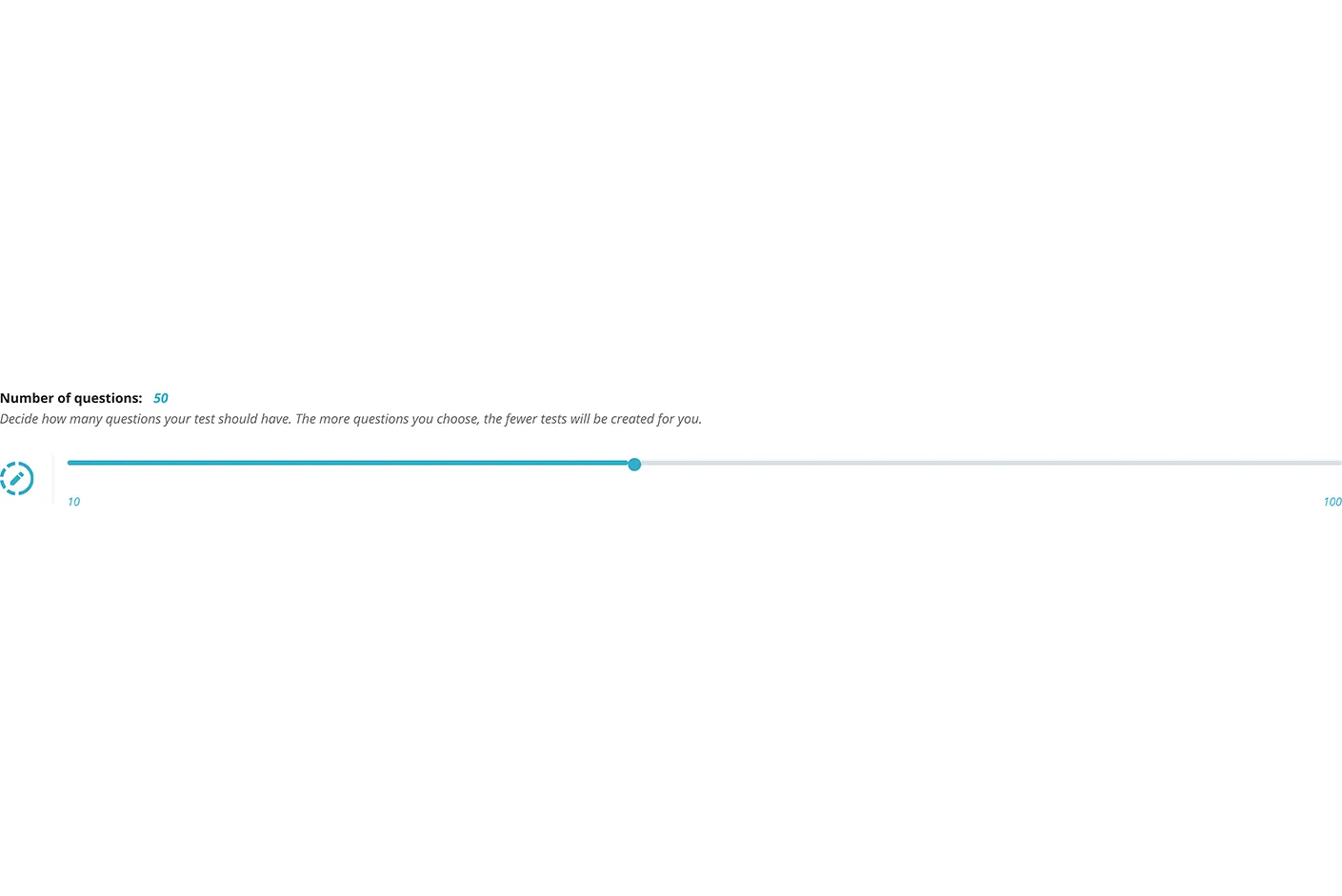
On the configuration page you will see a “Number of questions” option.
Select the “Number of questions” option to enter a custom number of questions for each test in your practice test.
The default custom Number of questions are 0 questions. You can change this value to 0 number of tests greater than or equal to 10 questions.
Select ‘Start Quiz’ button to start your test with specified Number of questions of each section.
Learning Mode
The learning mode is the best way to review correct answers during taking a test in 3V0-42.23: VMware NSX 4.X Advanced Design Simulator. By enabling this option, you’ll be able to see all of the questions you’ve answered (and which answer was correct). Just click on “Activate Learning Mode” and all the answers will be displayed. To restore the test back to its original format, just click on “Deactivate Learning Mode”.
Auto-Scroll
We are providing an Auto Scroll feature because all our questions are on the same page in a vertical fashion. Autoscroll is a feature that allows users to scroll down the page without having to click any button. This feature is also available in our 3V0-42.23: VMware NSX 4.X Advanced Design Mobile App. On most cases, users have to click on a button or a link in order to scroll down the page. But with autoscroll, you don’t have to click anything and the page will automatically scroll down as you move your mouse cursor over it.
Autoscroll has many advantages:
It saves time as it doesn’t require any action from the user.
It reduces unnecessary clicks and makes browsing easier by saving time on unnecessary actions.
Search & Filter for topics
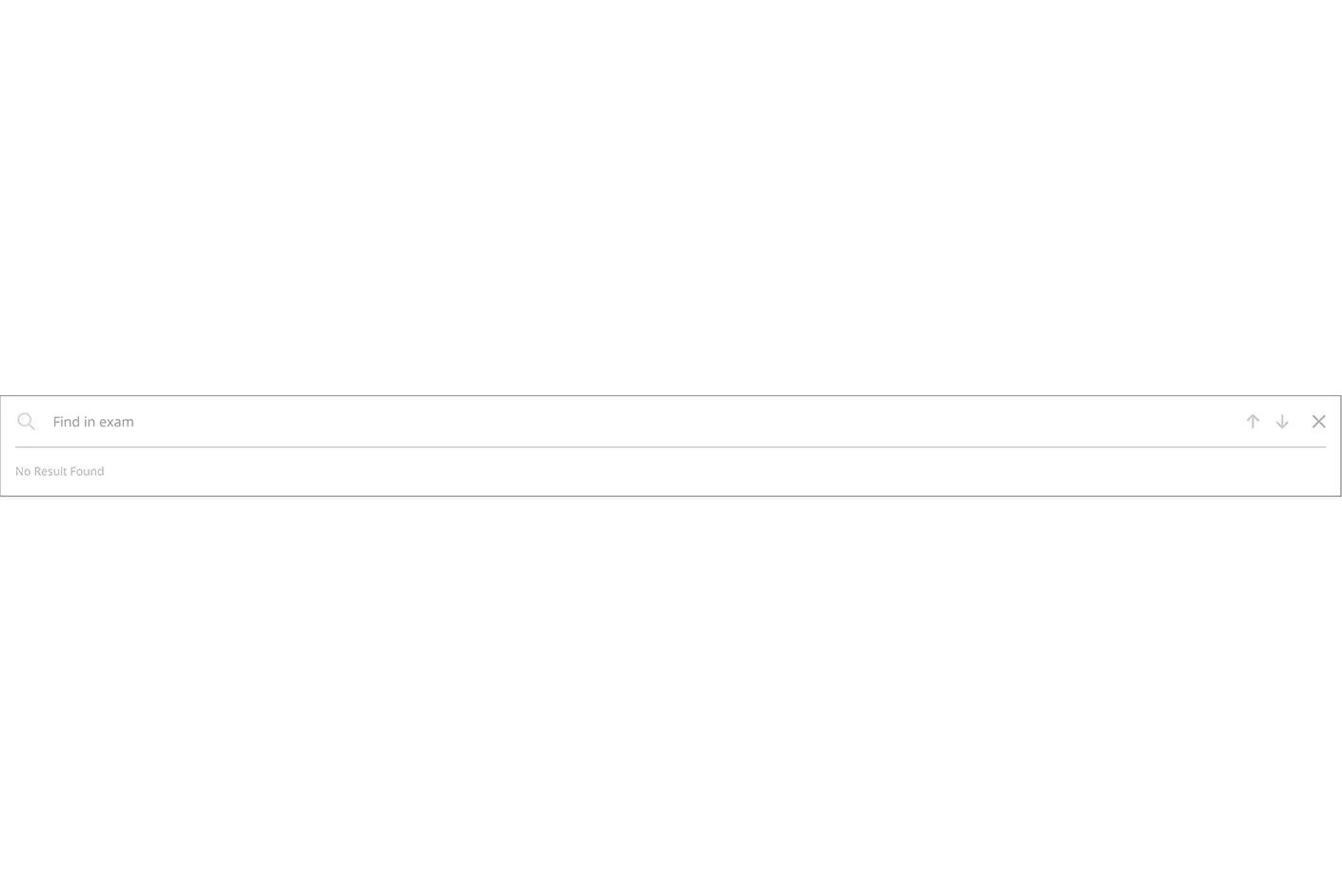
We have included an advanced search feature that allows you to filter results based on any topic. To use it, simply enter a keyword in the search bar at the top of 3V0-42.23: VMware NSX 4.X Advanced Design Simulator page.
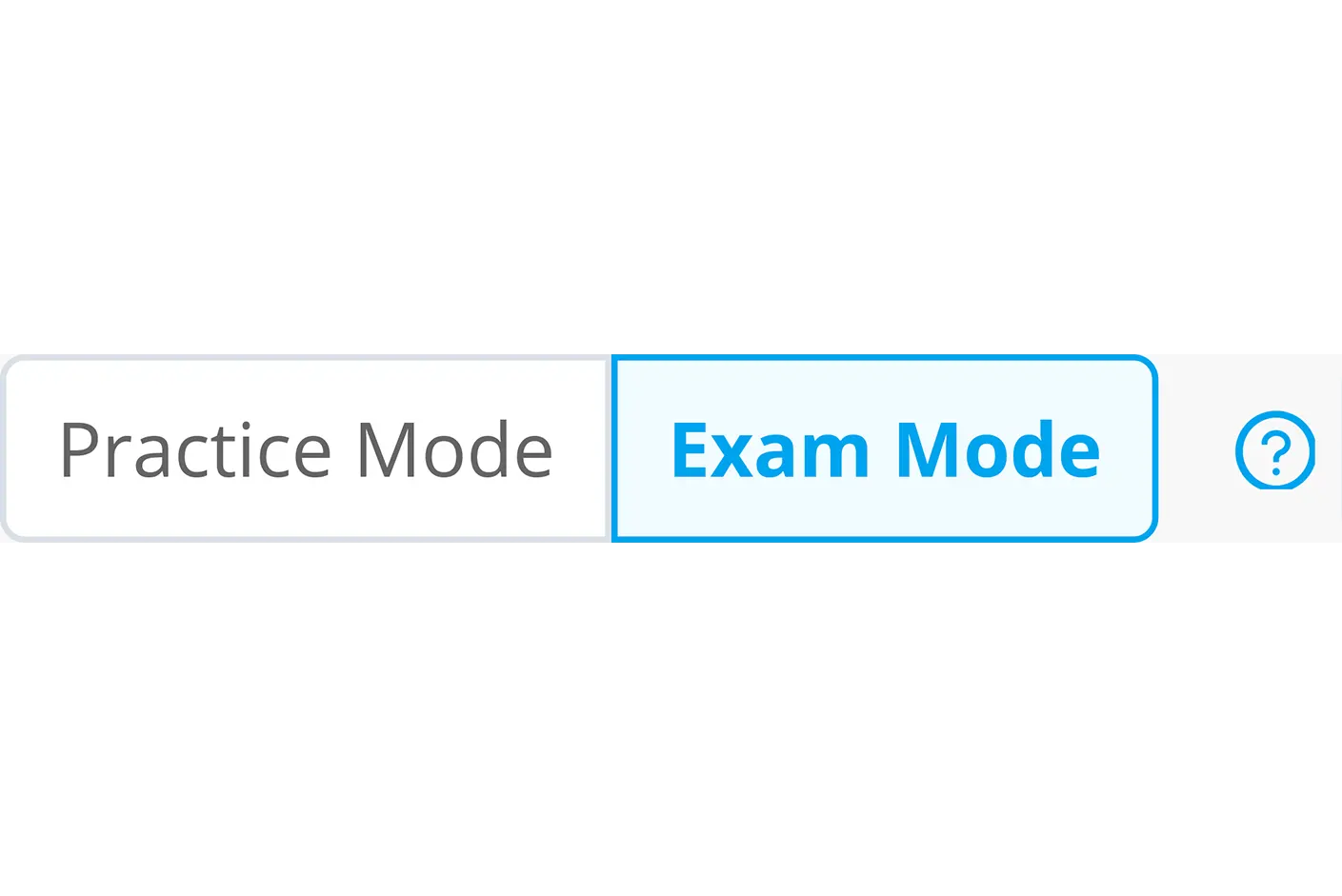
Take Exam Mode Test
These are 3V0-42.23: VMware NSX 4.X Advanced Design mock tests. Try the right test to make sure that you’re fully prepared for the real exam and confident you can pass.
The exam mode tests simulate the real 3V0-42.23: VMware NSX 4.X Advanced Design exams that you will take at a center on the day of your actual 3V0-42.23: VMware NSX 4.X Advanced Design exam. This mode is particularly useful if you want to familiarize yourself with the format and length of the actual exam. You can also use this mode to measure your performance against a clock as well as identify areas where more studying is needed before taking the real 3V0-42.23: VMware NSX 4.X Advanced Design exam.
The most trending products:
- 3V0-61.24 exam prep: VMware End-User Computing Advanced Design
- 1V0-621 exam prep: VMware Certified Associate 6 - Data Center Virtualization Fundamentals Exa
- 2V0-11.25 exam prep: VMware Cloud Foundation 5.2 Administrator
- 2V0-13.24 exam prep: VMware Cloud Foundation 5.2 Architect
- 2V0-15.25 exam prep: VMware Cloud Foundation 9.0 Support
- 2V0-16.25 exam prep: VMware vSphere Foundation 9.0 Administrator
- 2V0-17.25 exam prep: VMware Cloud Foundation 9.0 Administrator
- 2V0-31.20 exam prep: Professional VMware vRealize Automation 8.1
- 2V0-31.23 exam prep: VMware Aria Automation 8.10 Professional
- 2V0-32.22 exam prep: VMware Cloud Operations 8.x Professional
You may be interested in reading these other articles too:
- Top 7 VMware End-User Computing Advanced Design Dumps to Pass
- Official Updated 1V0-621: VMware Certified Associate 6 - Data Center Virtualization Fundamentals Exa Practice Test 2026
- Official Updated 2V0-11.25: VMware Cloud Foundation 5.2 Administrator Practice Test 2026
- Official Updated 2V0-13.24: VMware Cloud Foundation 5.2 Architect Practice Test 2026
- Official Updated 2V0-15.25: VMware Cloud Foundation 9.0 Support Practice Test 2026
- Official Updated 2V0-16.25: VMware vSphere Foundation 9.0 Administrator Practice Test 2026
- Official Updated 2V0-31.23: VMware Aria Automation 8.10 Professional Practice Test 2026
- Official Updated 2V0-32.24: VMware Cloud Operations 8.x Professional V2 Practice Test 2026
- Official Updated 2V0-51.23: VMware Horizon 8.x Professional Practice Test 2026
- Official Updated 3V0-11.26: VMware Certified Advanced Professional - VMware Cloud Foundation 9 Administrator Practice Test 2026
- Official Updated 3V0-21.25: VMware Advanced VMware Cloud Foundation 9.0 Automation Practice Test 2026
- Official Updated 3V0-22.21: Advanced Deploy VMware vSphere 7.x Practice Test 2026
- Official Updated 3V0-22.25: Advanced VMware Cloud Foundation 9.0 Operations Practice Test 2026
- Official Updated 3V0-24.25: VMware Certified Advanced Professional - VMware Cloud Foundation VKS Practice Test 2026
- Official Updated 3V0-25.25: VMware Cloud Foundation 9.0 Networking Practice Test 2026
- Official Updated 3V0-31.22: VMware Advanced Deploy VMware vRealize Automation 8.x (v2) Practice Test 2026
- Official Updated 3V0-32.23: VMware Cloud Management and Automation Advanced Design Practice Test 2026
- Official Updated 3V0-51.20: Advanced Deploy VMware Horizon 7.X Practice Test 2026
- Official Updated 5V0-31.23: VMware Cloud Foundation Deployment Specialist Practice Test 2026
- Official Updated 5V0-34.19: VMware vRealize Operations 7.5 Practice Test 2026
- Official Updated 5V0-41.21: VMware NSX-T Data Center 3.1 Security Practice Test 2026
Sample Practice Questions (3V0-42.23: VMware NSX 4.X Advanced Design)
1 Which of the following considerations should be taken into account when designing Geneve tunneling?
2 Which three VMware guidelines are recommended when designing VLANs and subnets for a single region and single availability zone? (Choose three.)
Conclusion - Official Updated 3V0-42.23: VMware NSX 4.X Advanced Design Exam 2026
3V0-42.23: VMware NSX 4.X Advanced Design exams are very difficult to pass. Normally, their preparation requires a lot of time and effort from students. But don’t worry, you will find our 3V0-42.23: VMware NSX 4.X Advanced Design practice test very helpful in your preparations. This comprehensive quiz is going to help you quickly improve your skills and get a high score in your first 3V0-42.23: VMware NSX 4.X Advanced Design exam. As we know the importance of time and preparation to take care happiness of our lovely customers like you, we always update and available our 3V0-42.23: VMware NSX 4.X Advanced Design Quiz. Meanwhile, we are writing this content for your convenience, you can already exercise with our quiz: click to start START QUIZ quiz now.