Why do you need to take a official updated Data Modelling and Design practice test 2026?
Data Modelling and Design
Here are the most popular products... Try them now!
1
The best way to learn is by doing. That’s why we provide official updated practice exams 2026 to simulate the real exam environment
Are you planning to take the Data Modelling and Design exam? Data Modelling and Design is designed only for those candidates that are highly qualified and knowledgeable. Approximately 50% people failed in the Data Modelling and Design exam due to anxiety and lack of confidence. You won’t be in that statistic if you prepare well. Our Updated Official Data Modelling and Design practice test 2026 are designed for all types of people and help them to increase the chances to pass the Data Modelling and Design exam, decrease anxiety and increase confidence. In this way, you can better understanding of each topic, experience real Data Modelling and Design exam environment with our Data Modelling and Design simulator, take multiple choice Data Modelling and Design practice test that will increase your skill to identify the correct answer from two to three wrong answers and use mobile app to study anywhere. How to prepare with Data Modelling and Design practice test?
At Certification-Exam.com we provide Data Modelling and Design Simulator with 513 questions and
Once you’ve selected Custom Topics from the drop-down menu and seen a list of topics, simply click on any checkbox next to an area you want to focus on or uncheck any checkbox next to an area you don’t want to include in your practice test. Then click “Save and Follow” button.
Select duration form 30 to 120 minutes your test
The duration of Data Modelling and Design exam is 120 minutes. You can select custom time duration for your Data Modelling and Design test online in practice mode, but you cannot do it in the actual exam.
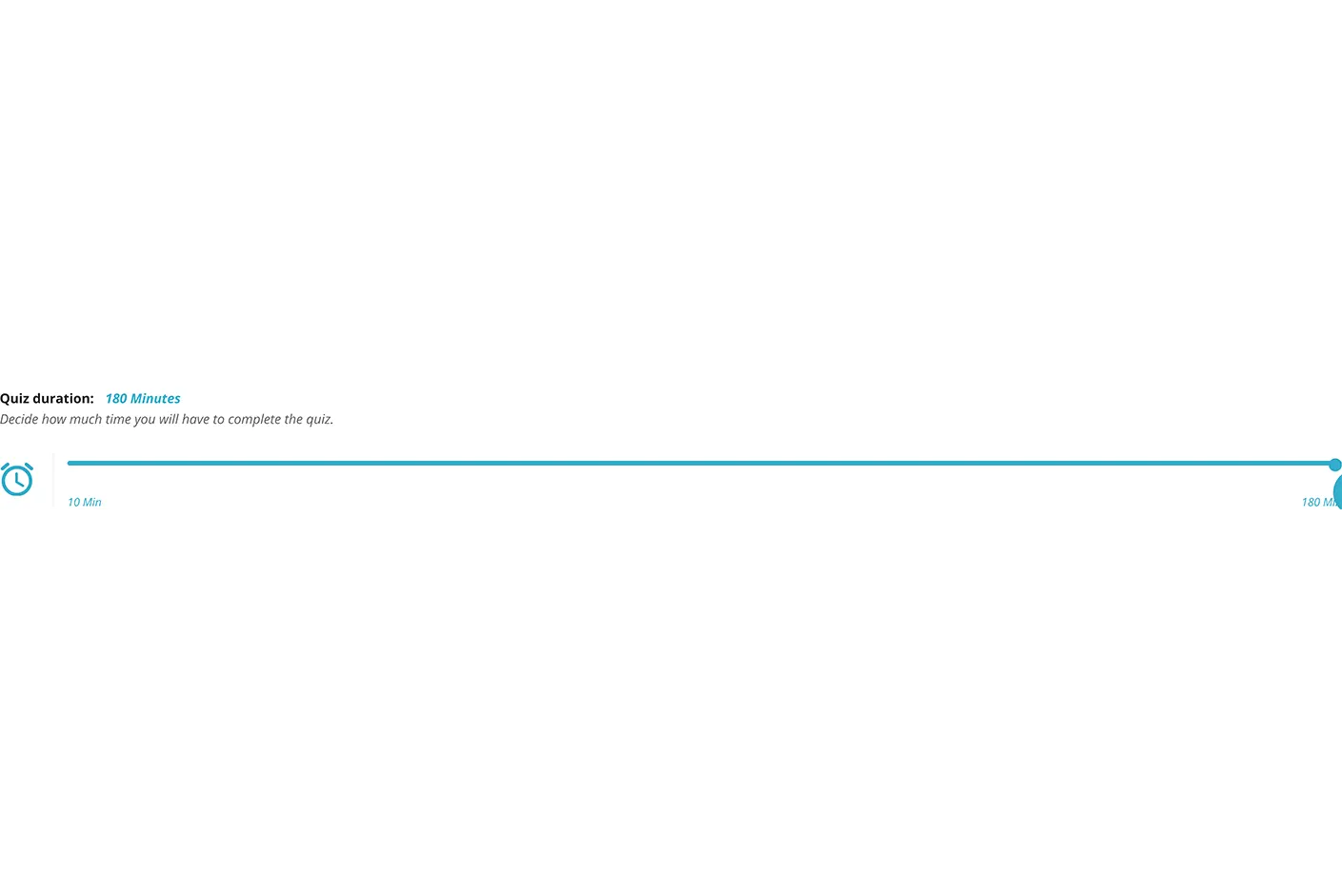
On the configuration page you will see a “Quiz duration” option.
Select the “Quiz Duration” option to enter a custom time duration for each test in your practice test.
The default custom time duration is 120 minutes for each test. You can change this value to 120 minutes greater than or equal to 10 minutes.
Select ‘Start Quiz’ button to start your test with specified duration of each section.
Set Custom Passing score
The passing score of Data Modelling and Design exam is 80%. You can choose the minimum percentage of correct answers needed to pass the test (or the points). The minimum passing score for a test is typically set at 80%. The passing score is determined by the vendor and may vary from one test to another. You can choose the passing score between 30% and 80. For example, if you want to pass the test with at least 80%, then you should set the passing score to be 80%.
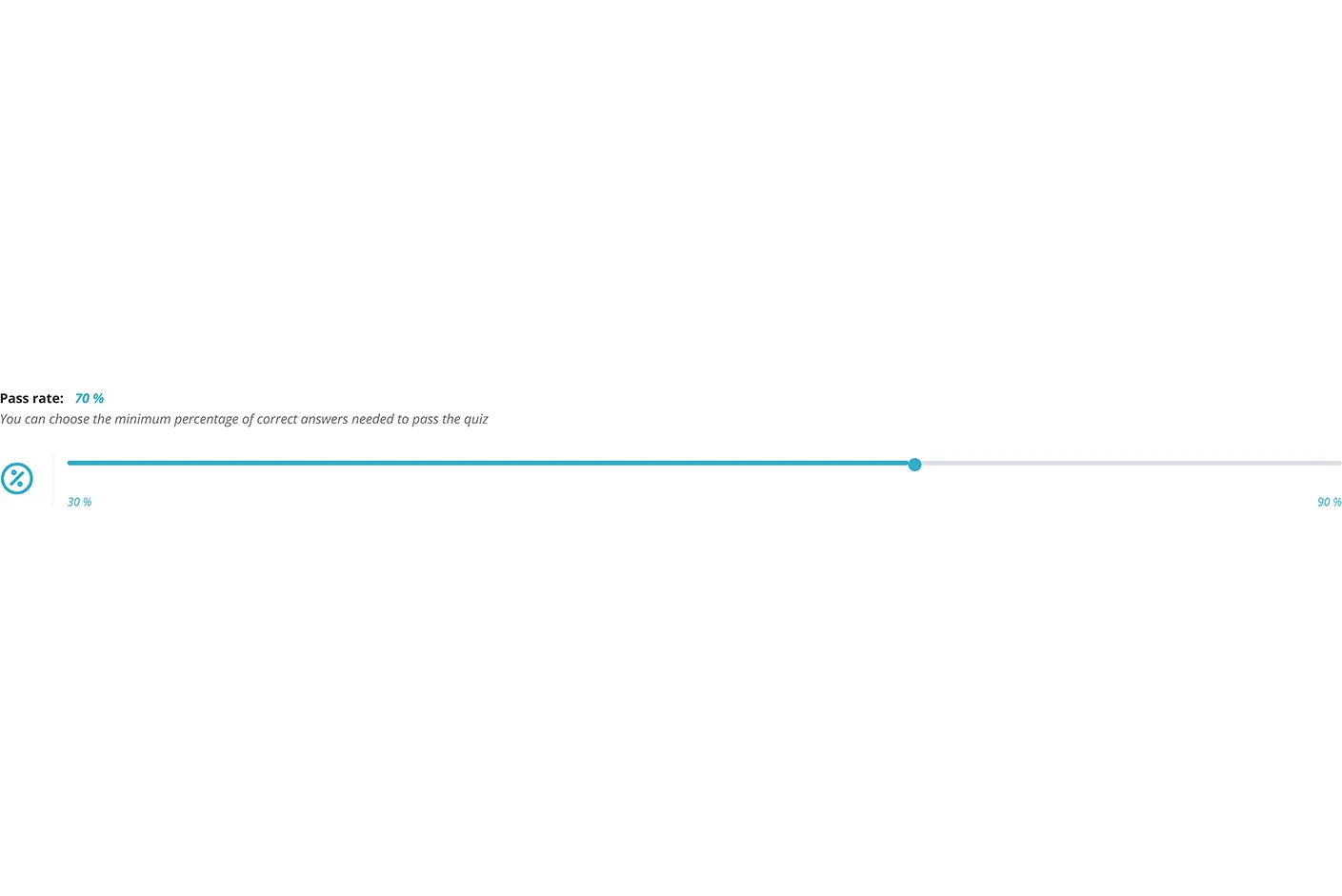
Set Custom Number of tests
It is important that you take as many tests as possible to increase your chances of success. Online Data Modelling and Design quiz consist of 50 test. You can choose to practice on several tests. You can also customize the number of tests by selecting the number of tests you want to take. The more tests you choose the fewer the associated questions in practice mode.
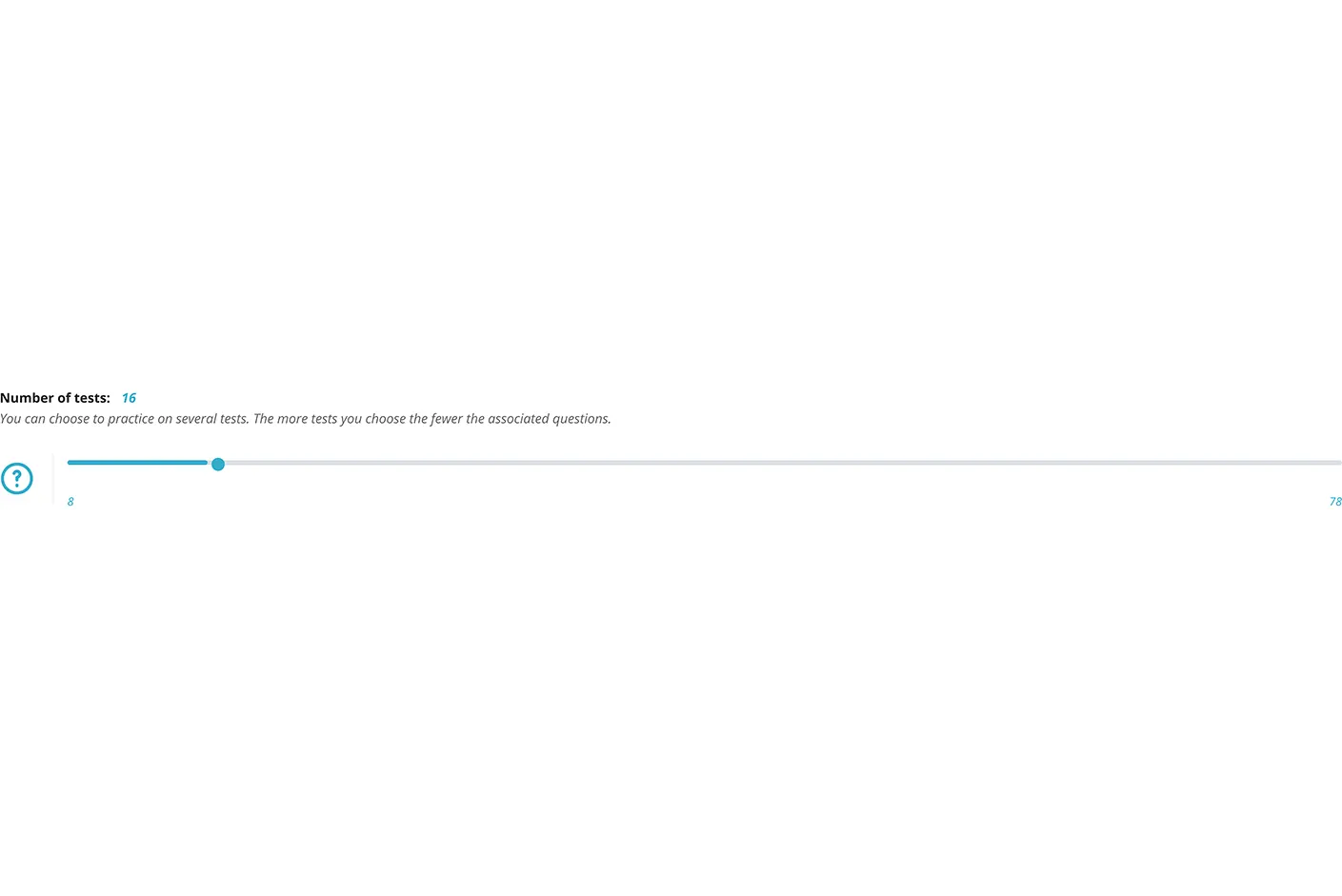
On the configuration page you will see a “Number of tests” option.
Select the “Number of tests” option to enter a custom Number of tests for each test in your practice test.
The default custom Number of tests are 50 tests. You can change this value to 50 number of tests greater than or equal to 8 tests.
Select the ‘Start Quiz’ button to start your test with a specified number of tests of each section.
Set Custom Number of questions
Data Modelling and Design exam consists of 513. You can select a custom number of questions. Please note that we recommend taking a Data Modelling and Design practice test as close to the real exam as possible and the recommended number of questions is Data Modelling and Design exam consists of 513. In case you don’t find it comfortable enough, you can always adjust the number of questions later on. The number of questions is the most important factor in determining the time it takes to complete your test. The more questions, the longer it will take. Selecting a lower number of questions makes your test more difficult, but gives you more time to answer each question in greater detail. Selecting a higher number of questions makes your test easier, but requires you to answer them quickly before moving on to the next question.
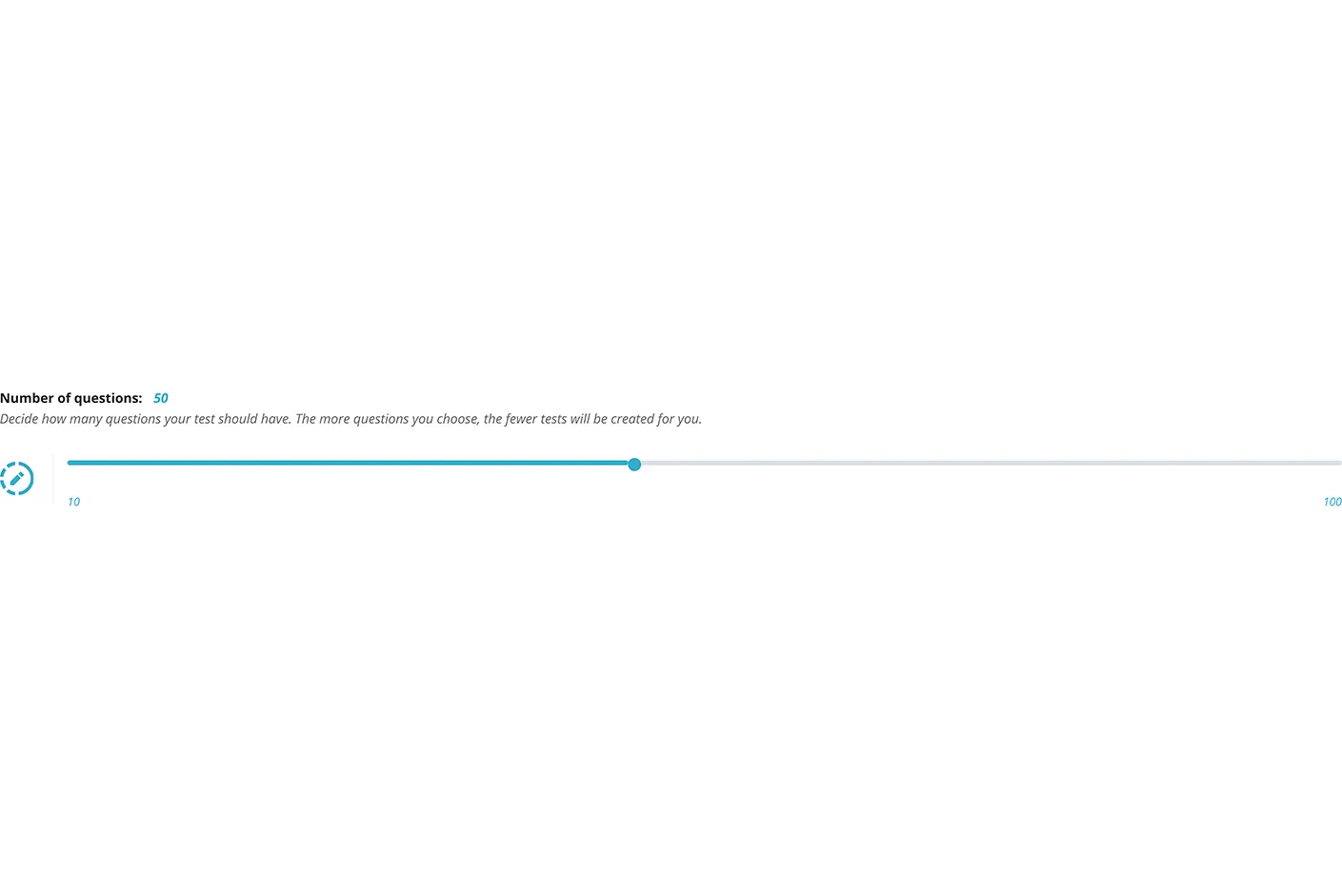
On the configuration page you will see a “Number of questions” option.
Select the “Number of questions” option to enter a custom number of questions for each test in your practice test.
The default custom Number of questions are 513 questions. You can change this value to 513 number of tests greater than or equal to 10 questions.
Select ‘Start Quiz’ button to start your test with specified Number of questions of each section.
Learning Mode
The learning mode is the best way to review correct answers during taking a test in Data Modelling and Design Simulator. By enabling this option, you’ll be able to see all of the questions you’ve answered (and which answer was correct). Just click on “Activate Learning Mode” and all the answers will be displayed. To restore the test back to its original format, just click on “Deactivate Learning Mode”.
Auto-Scroll
We are providing an Auto Scroll feature because all our questions are on the same page in a vertical fashion. Autoscroll is a feature that allows users to scroll down the page without having to click any button. This feature is also available in our Data Modelling and Design Mobile App. On most cases, users have to click on a button or a link in order to scroll down the page. But with autoscroll, you don’t have to click anything and the page will automatically scroll down as you move your mouse cursor over it.
Autoscroll has many advantages:
It saves time as it doesn’t require any action from the user.
It reduces unnecessary clicks and makes browsing easier by saving time on unnecessary actions.
Search & Filter for topics
We have included an advanced search feature that allows you to filter results based on any topic. To use it, simply enter a keyword in the search bar at the top of Data Modelling and Design Simulator page.
Take Exam Mode Test
These are Data Modelling and Design mock tests. Try the right test to make sure that you’re fully prepared for the real exam and confident you can pass.
The exam mode tests simulate the real Data Modelling and Design exams that you will take at a center on the day of your actual Data Modelling and Design exam. This mode is particularly useful if you want to familiarize yourself with the format and length of the actual exam. You can also use this mode to measure your performance against a clock as well as identify areas where more studying is needed before taking the real Data Modelling and Design exam.
The most trending products:
You may be interested in reading these other articles too:
- The Proven Study Strategies to Pass the DG-1220 Practice Test
- The Proven Study Strategies to Pass the DQ-1220 Practice Test
- The Proven Study Strategies to Pass the DWBI-1220 Practice Test
- The Proven Study Strategies to Pass the MD-1220 Practice Test
- Top 7 Data Integration and Interoperability Dumps to Boost Skills
- Official Updated Dama Reference And Master Data Management Practice Test 2026
- Unlock Success with DMF-1220 Dumps for Your Career Journey
Conclusion - Official Updated Data Modelling and Design Exam 2026
Data Modelling and Design exams are very difficult to pass. Normally, their preparation requires a lot of time and effort from students. But don’t worry, you will find our Data Modelling and Design practice test very helpful in your preparations. This comprehensive quiz is going to help you quickly improve your skills and get a high score in your first Data Modelling and Design exam. As we know the importance of time and preparation to take care happiness of our lovely customers like you, we always update and available our Data Modelling and Design Quiz. Meanwhile, we are writing this content for your convenience, you can already exercise with our quiz: click to start START QUIZ quiz now.